


74HC14 Arduino: 7 Button and Edge-Counting Checks

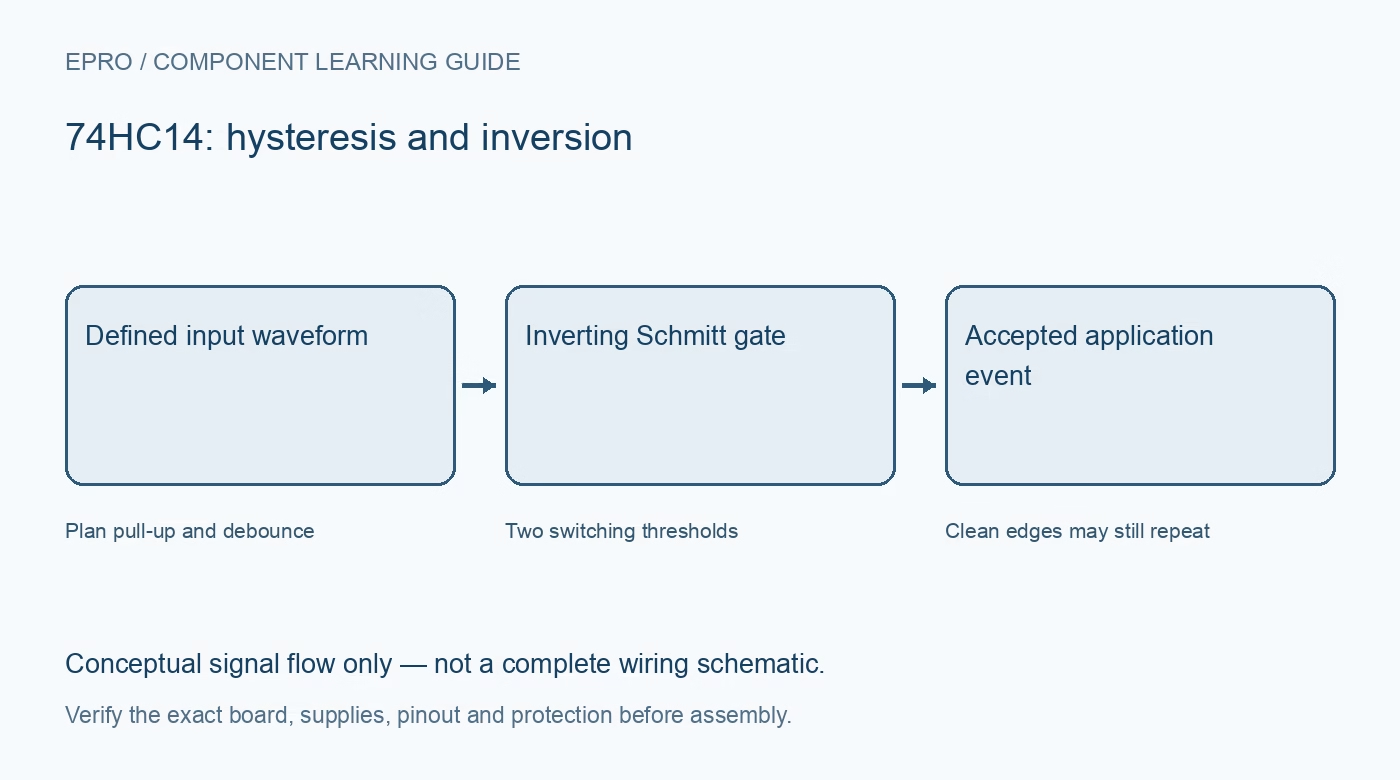
A 74HC14 Arduino button test should verify electrical levels and polarity before counting presses. Add a deliberate debounce strategy rather than assuming hysteresis alone removes contact bounce, then compare raw output transitions with the events accepted by the application.
Verify the exact part and logic rails
Check HC versus HCT, package orientation, power pins and local decoupling from the manufacturer drawing. Ensure the gate output level is safe for the host input. A 5 V-powered gate is not automatically safe to connect directly to a non-tolerant 3.3 V input.
Define a valid switch input state
Use an appropriate pull-up or pull-down so the input is never left floating when the switch opens. Keep the entire signal within the intended logic rails. Check the physical switch contacts without power before interpreting an unexpected state as a software debounce problem.
Confirm the inversion statically
Observe the input and output in both stable button states. A low gate input should correspond to a high output, and a high input to a low output. Record which host edge represents a press; an active-low label on the switch does not by itself determine the post-inverter event polarity.
Choose RC or software debounce deliberately
If an RC network is used, consider both transition directions, resistor and capacitor tolerance and the documented threshold limits. Do not attach an arbitrarily large capacitor directly across a push-pull source. Software debounce can supplement the electrical conditioning but cannot make an undefined input valid.
Separate transitions from accepted presses
At a safe low event rate, record stable logic states and accepted press events separately. A mechanical contact may still create several sharpened edges. If interrupt counting is used, avoid assuming every edge is a new human action and keep the handler appropriate to the host environment.
Check release, hold and restart behaviour
Test a short press, a longer hold and release, then a controlled host restart. Verify that one physical action produces the intended application event and that startup does not create an unwanted synthetic press. Define unused Schmitt inputs rather than leaving spare gates floating.
Newest in the store


Keep the first demonstration logic-only
Use a host input or other low-risk logic load, not a motor or relay coil. Validate timing with appropriate measurement equipment when exact edges matter; a printed event log cannot show every narrow glitch. This workflow demonstrates a limited interface, not certified protection or a precision timing reference.
Frequently asked questions
Why can an interrupt still count several presses?
The contact may create multiple threshold crossings; hysteresis is not a complete debounce guarantee.
Can a serial log prove there are no narrow glitches?
No. Use appropriate timing measurement when the receiving circuit’s response to short pulses matters.
Availability and illustration note
No matching Epro product was returned by the catalog search on 21 October 2026 UTC. This learning guide does not assert stock, a selling price or compatibility of an unidentified substitute. The illustration is an original conceptual signal-flow diagram, not a product photograph or complete wiring schematic.
Related Epro reading
For a first bench setup, review breadboard connections and continuity checks and I2C voltage-level translation. These guides do not replace the exact module schematic.
Technical references and limitations
Source: Nexperia 74HC14/74HCT14 datasheet. Electrical limits apply to the named part, not automatically to every carrier board. This is a documentation-based learning workflow, not a claim of independent hardware testing, traceable calibration or safety certification.