


PCA9546A Arduino: 7 Channel-Mask and Recovery Checks

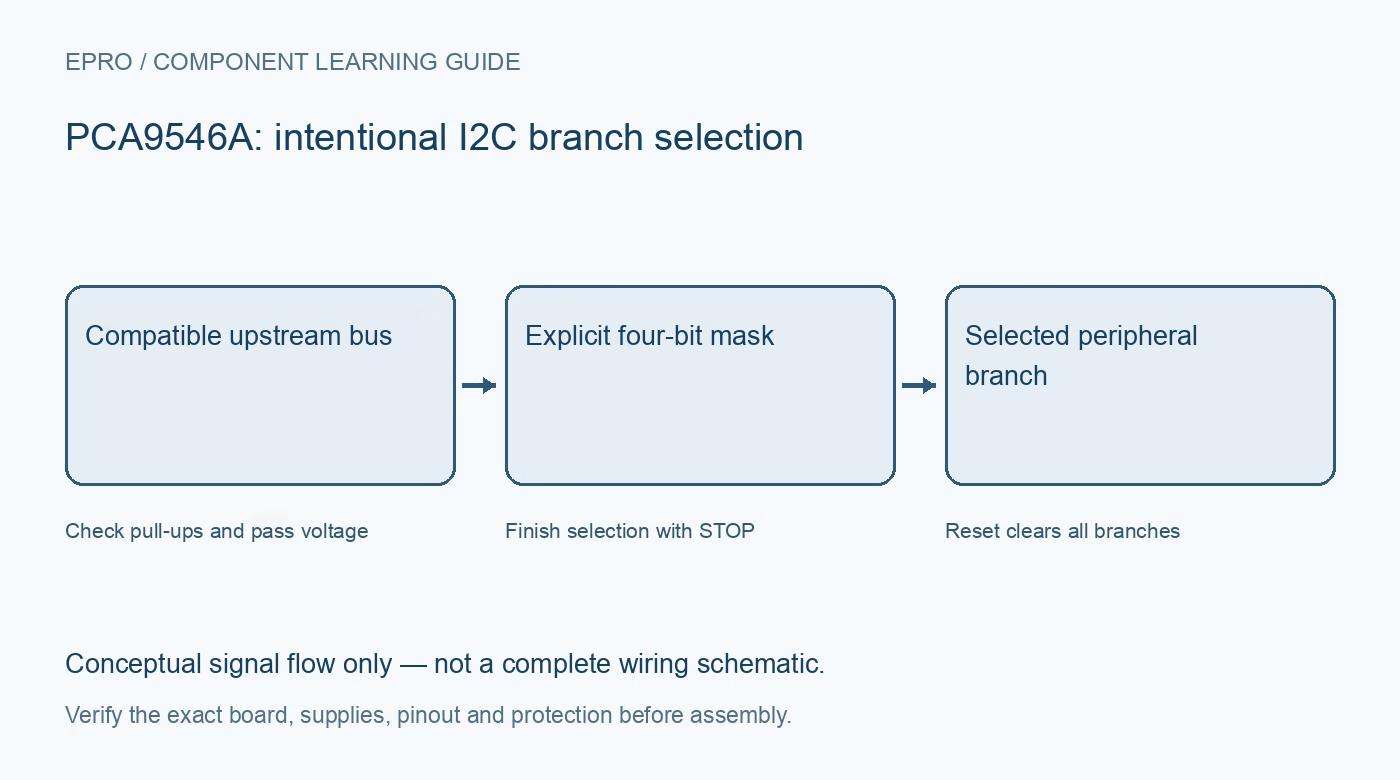
A PCA9546A Arduino setup should prove that software communicates with the intended physical branch, not merely with a responding address. Begin with one peripheral and a documented voltage arrangement. Add same-address devices only after branch selection and reset behavior have been verified.
Confirm the switch address and wiring
Read A0, A1 and A2 straps and determine the switch’s seven-bit address. Verify the upstream SDA and SCL pair separately from downstream connectors. Check supply, pull-up rails and RESET levels before connecting the host, especially when branch devices operate from different voltage rails.
Begin with all branches disconnected
Write a zero control mask and confirm the switch remains reachable upstream. This establishes a useful baseline without exposing every downstream device at once. If a peripheral remains visible, inspect whether it is actually wired upstream or connected through another unintended path before blaming the switch logic.
Use a mask rather than a channel index
For a single branch, construct the appropriate one-hot mask from its documented bit position. Sending the number two connects the bit-one branch, not an abstract branch labeled two by every library. Match software numbering to the actual connector map and read back the control register when available.
Finish selection before peripheral traffic
The selected branch becomes active after the documented stop condition. Complete the switch-control transaction before starting a peripheral operation. A driver that holds a repeated-start chain without the required stop can leave the intended connection inactive even though the switch acknowledged its control byte.
Keep duplicate-address branches exclusive
Select one conflicting branch at a time and verify a distinguishing device value or safe stimulus. Do not treat an address scan as proof of which identical-address sensor responded. Keep the selected branch with the sample record so a later routing change cannot silently relabel observations.
Recover using the intended reset design
Use a compatible RESET connection to deselect downstream branches when needed, then restore an explicit mask. Do not drive RESET above the restriction documented relative to VCC. After any reset or complete switch power cycle, invalidate cached software assumptions about which branch is currently connected.
Newest in the store


Test missing branches and restore service
Request a harmless disconnected or intentionally wrong branch, report the peripheral as unavailable, then select the correct branch and verify fresh communication returns. Use bounded transaction timeouts. A prior reading must not be displayed as current merely because the switch address itself continues to acknowledge.
Frequently asked questions
Why is a sensor missing just after selecting a branch?
Check the mask, connector numbering and required stop condition before the peripheral transaction.
Does resetting the switch preserve channel selection?
No. Reset deselects the branches, so software must restore the intended mask explicitly.
Availability and illustration note
No matching Epro product was returned by the catalog search on 21 October 2026 UTC. This learning guide does not assert stock, a selling price or compatibility of an unidentified substitute. The illustration is an original conceptual signal-flow diagram, not a product photograph or complete wiring schematic.
Related Epro reading
For a first bench setup, review breadboard connections and continuity checks and I2C voltage-level translation. These guides do not replace the exact module schematic.
Technical references and limitations
Source: Texas Instruments PCA9546A datasheet. Electrical limits apply to the named part, not automatically to every carrier board. This is a documentation-based learning workflow, not a claim of independent hardware testing, traceable calibration or safety certification.