


MCP7940N Arduino: 7 Oscillator and Timestamp Checks

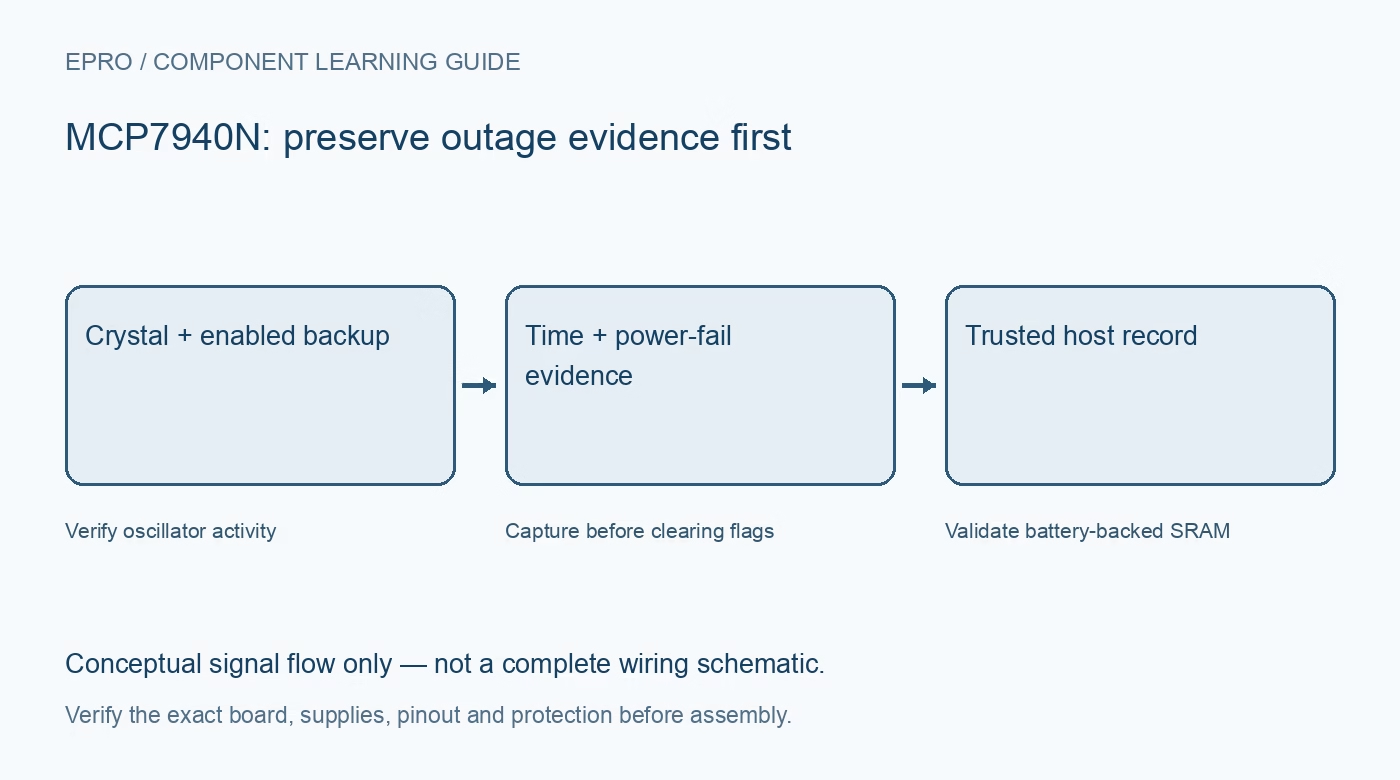
An MCP7940N Arduino integration should preserve time-integrity and outage evidence before applying a convenient initialization routine. A clock that acknowledges its address may still be stopped or contain an untrusted date. Start with a device-specific driver, a safe backup arrangement and an explicit policy for setting time.
Verify hardware and library assumptions
Check supply, I2C pull-ups, crystal connections and backup source against the actual carrier schematic. Confirm the library targets MCP7940N rather than a different RTC with similar calendar fields. Avoid enabling any carrier charging circuit for a primary cell, and inspect powered-off host connections for unintended current paths.
Capture status and outage records first
Read PWRFAIL and its associated loss and restoration timestamps before clearing flags or rewriting weekday information. The documented weekday-register write can clear the flag and timestamp records. Save useful evidence in the host first instead of allowing a generic initialization call to erase it unnoticed.
Check oscillator control and activity
For crystal operation, set the documented ST control when appropriate and allow the oscillator-status interval before checking OSCRUN. Use bounded startup handling and mark time untrusted if activity is not established. A running indication confirms detected oscillation, not exact frequency or a correctly initialized calendar.
Set time through the documented sequence
When initialization is genuinely needed, follow the manufacturer and driver sequence for stopping the relevant clock input, waiting for status and loading a coherent calendar. Preserve intended hour mode and control fields. Define a UTC or local-time convention explicitly; the chip does not manage timezone rules for the application.
Enable backup without hiding side effects
Set VBATEN through a device-aware operation and inspect the weekday register’s other fields and documented flag behavior. Do not assume a casual read-modify-write preserves outage evidence. Verify the intended final control state, and keep persistent time adjustment separate from an ordinary host reboot.
Validate SRAM records before using them
User SRAM occupies its documented separate interval within the shared address space. Keep writes inside that region rather than overwriting clock or alarm registers. Use a signature, version and checksum or other suitable validation because SRAM is not initialized to a trusted application record and depends on valid retention power.
Newest in the store


Test one controlled backup cycle
Set a trusted reference once, verify advancing time and remove and restore main supply under valid backup conditions. On return, read time, SRAM validation and power-fail evidence before any adjustment. Report transfer failures and stale results explicitly. A brief demonstration does not certify long-term drift or reliable logging of every possible supply disturbance.
Frequently asked questions
Why are power-fail timestamps zero after startup?
Check whether initialization cleared PWRFAIL or wrote the weekday register before evidence was captured.
Should the sketch set compile time after every reset?
No. Read a healthy running RTC normally and adjust only for a deliberate initialization or trusted update.
Availability and illustration note
No matching Epro product was returned by the catalog search on 21 October 2026 UTC. This learning guide does not assert stock, a selling price or compatibility of an unidentified substitute. The illustration is an original conceptual signal-flow diagram, not a product photograph or complete wiring schematic.
Related Epro reading
For a first bench setup, review breadboard connections and continuity checks and I2C voltage-level translation. These guides do not replace the exact module schematic.
Technical references and limitations
Source: Microchip MCP7940N Revision H datasheet. Electrical limits apply to the named part, not automatically to every carrier board. This is a documentation-based learning workflow, not a claim of independent hardware testing, traceable calibration or safety certification.