


AD9833 Arduino: 7 Register and Frequency-Update Checks

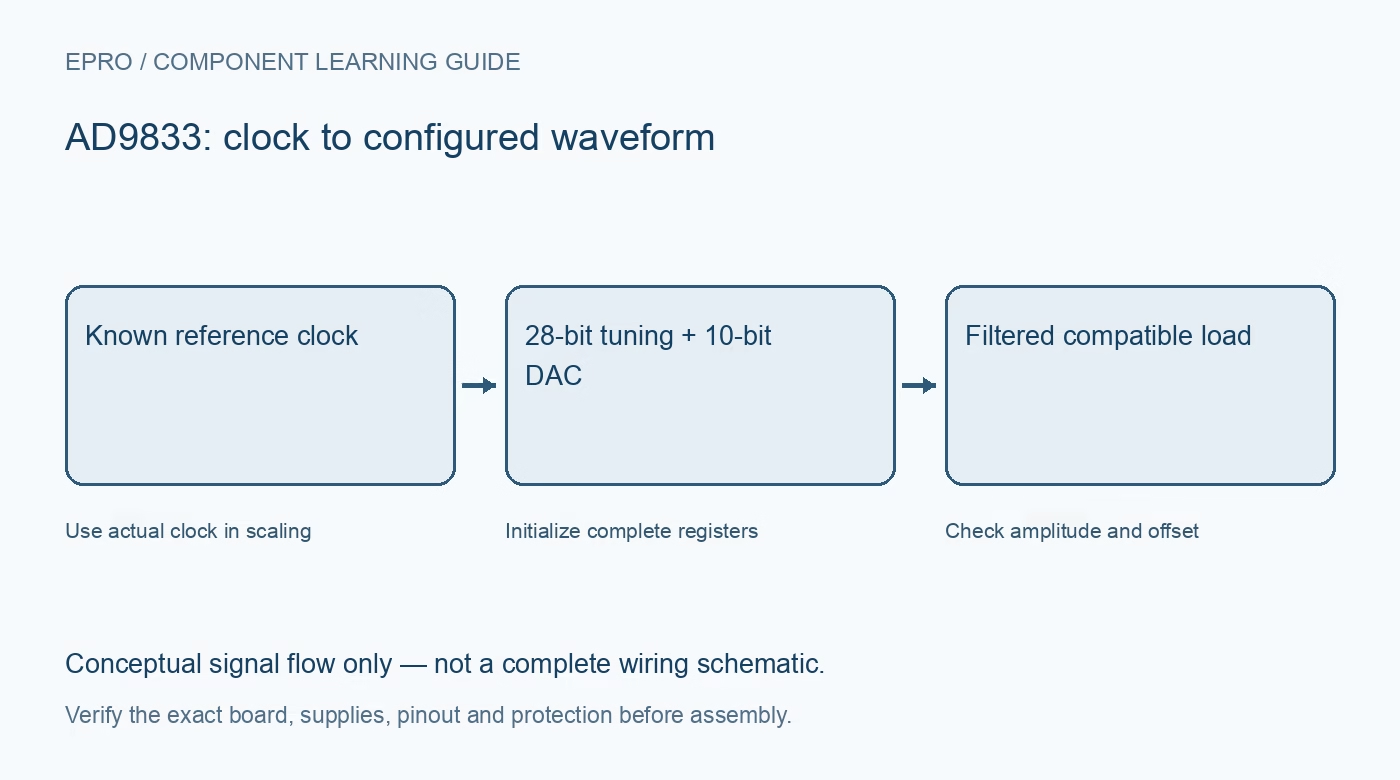
An AD9833 Arduino test should deliberately initialize its registers before claiming a programmed output. This workflow focuses on a low-frequency wired bench signal and a compatible measurement load. Use a maintained driver for the exact device, and verify what the carrier adds around the chip.
Check supply and host-level compatibility
Identify module power, ground, reference oscillator and serial pins from the exact schematic. Verify regulator and logic-level behavior rather than assuming a five-volt power input makes every signal pin five-volt tolerant. Leave the output disconnected from sensitive circuitry until configuration and measurement limits are known.
Use the actual reference clock in calculations
Calculate the tuning word from the desired frequency multiplied by two to the twenty-eighth power, divided by the actual MCLK frequency. Use suitable arithmetic width and rounding. A driver defaulting to a different oscillator frequency can produce a stable but systematically incorrect output.
Verify serial framing and clock edges
The serial interface accepts sixteen-bit words with the documented most-significant-bit-first order and falling-edge timing. FSYNC must frame complete sixteen-bit words or documented multiples. Follow its setup and clock requirements rather than assuming any generic SPI setting that transmits bytes will load the intended register.
Initialize more than the reset bit
Reset holds the waveform state in the documented condition, but it does not replace explicitly loading valid frequency, phase and control registers. Write known starting values, select the intended waveform and bank, then release reset in the documented sequence. Do not depend on uninitialized power-up register contents.
Load both frequency halves correctly
With the full frequency-write control selected, the twenty-eight-bit value is written as two fourteen-bit pieces: the lower portion first, then the upper portion. Preserve the correct register address bits in both words. Reversing the pieces can still generate a waveform, but not the frequency requested.
Keep bank and waveform selection explicit
The device has alternate frequency and phase registers, with control bits choosing which are active. A successful write to an inactive bank does not immediately change the output. Confirm the selection and waveform-control state before interpreting an unchanged frequency as a broken cable or damaged module.
Newest in the store


Measure updates and safe failure behavior
Start at a modest known frequency and compare measured output with the clock-based prediction. Check offset, amplitude and load as separate properties. For a safe stop use the documented reset or power-down behavior; a host software error does not guarantee silence because the device can retain its previous configuration.
Frequently asked questions
Why is my output frequency consistently scaled?
Check the actual oscillator frequency and the driver clock constant before changing the desired frequency.
Does reset clear every configuration register?
No. Explicitly initialize frequency, phase and control settings according to the datasheet.
Availability and illustration note
No matching Epro product was returned by the catalog search on 21 October 2026 UTC. This learning guide does not assert stock, a selling price or compatibility of an unidentified substitute. The illustration is an original conceptual signal-flow diagram, not a product photograph or complete wiring schematic.
Related Epro reading
For a first bench setup, review breadboard connections and continuity checks and I2C voltage-level translation. These guides do not replace the exact module schematic.
Technical references and limitations
Source: Analog Devices AD9833 datasheet. Electrical limits apply to the named part, not automatically to every carrier board. This is a documentation-based learning workflow, not a claim of independent hardware testing, traceable calibration or safety certification.