


Arduino External EEPROM 24LC256: Write and Read Back a Test Record

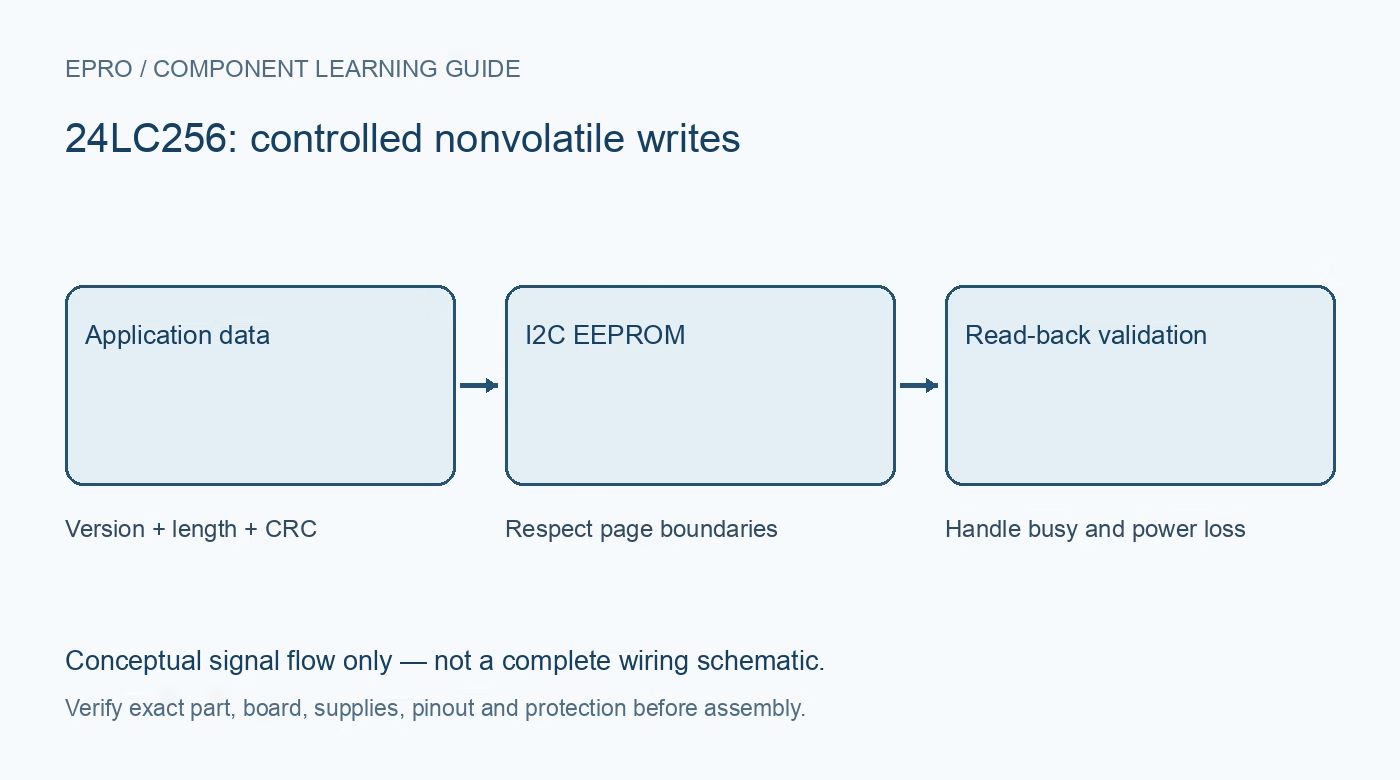
An Arduino external EEPROM 24LC256 test should write a small deliberate record to an unused location, wait for storage completion and read it back byte for byte. Do not start with a continuous write loop or erase a chip that may contain useful configuration.
Back up and identify the device first
Confirm the complete EEPROM marking and preserve any existing data before a destructive test. Use the actual package drawing for supply, ground, SDA, SCL, address pins and WP. Document address-strap states and reserve an unused test area. A small change at the wrong address can invalidate an existing configuration record.
Check the complete I2C interface
Choose supply and pull-ups compatible with both the 24LC256 and the selected Arduino controller. Do not infer signal tolerance solely from a breakout regulator. Set address inputs and write protect to defined states as documented. Observe write protection intentionally rather than assuming an acknowledged transaction necessarily changed nonvolatile memory.
Write a bounded recognizable pattern
Use a short record containing a known length and a few distinct bytes, such as a version marker and a counter. Send the EEPROM’s two-byte memory address in the documented order. Respect both the device page boundary and the library transmit-buffer size. Keep the first write well within a page so addressing can be checked before boundary splitting is introduced.
Detect completion and verify every byte
After the write transfer ends, wait for the internal storage cycle using the documented bounded acknowledgment-polling method or a suitable specified delay. Then set the read address and retrieve exactly the expected number of bytes. Compare length and content rather than printing an unchecked string that may lack a terminator or contain old buffer data.
Test a page edge deliberately and safely
In a reserved test area, verify that the write routine divides a record at a 64-byte boundary. The allowable chunk is the smaller of the remaining data, available bytes in that physical page and host transfer capacity after address bytes. Confirm neighboring locations are unchanged. Do not test wrapping on valuable data and assume software can recover it later.
Keep the demonstration out of the main loop
Trigger writes explicitly or only when a configuration change is committed. Re-read after a controlled restart to confirm persistence, while recognizing this is not a complete power-failure qualification. If updates must survive interruptions, implement a record strategy with integrity checks and recovery rules. Log failures and leave the previous known-good record available when possible.Newest in the store


Availability and illustration note
No matching product was found in the checked Epro catalog for this topic on 19 October 2026. This article therefore does not quote an Epro price or claim stock. The original illustration shows conceptual signal flow only, not a complete circuit or a photograph of a supplied product. Obtain a documented component or carrier with a known pinout and electrical specification.
Frequently asked questions
Why can a write acknowledge but leave data unchanged?
Check write protect and the exact transaction. The datasheet describes behavior where a protected write is acknowledged without a storage cycle.
Should the example rewrite memory continuously?
No. Use deliberate writes and a finite-endurance-aware application policy.
Related Epro reading
Review breadboard connections before assembling a prototype. For controller expansion, the Mega 2560 pin guide explains why pin names and electrical limits must be checked together.
Technical references and test limitations
This guide uses the documentation linked below. The procedures are for a controlled, low-voltage learning setup; no independent hands-on test of the particular seller board is claimed. Record the actual part markings, wiring and firmware version before drawing conclusions from a test.