


INA226 Datasheet: Shunt Choice, Bus Voltage and Calibration

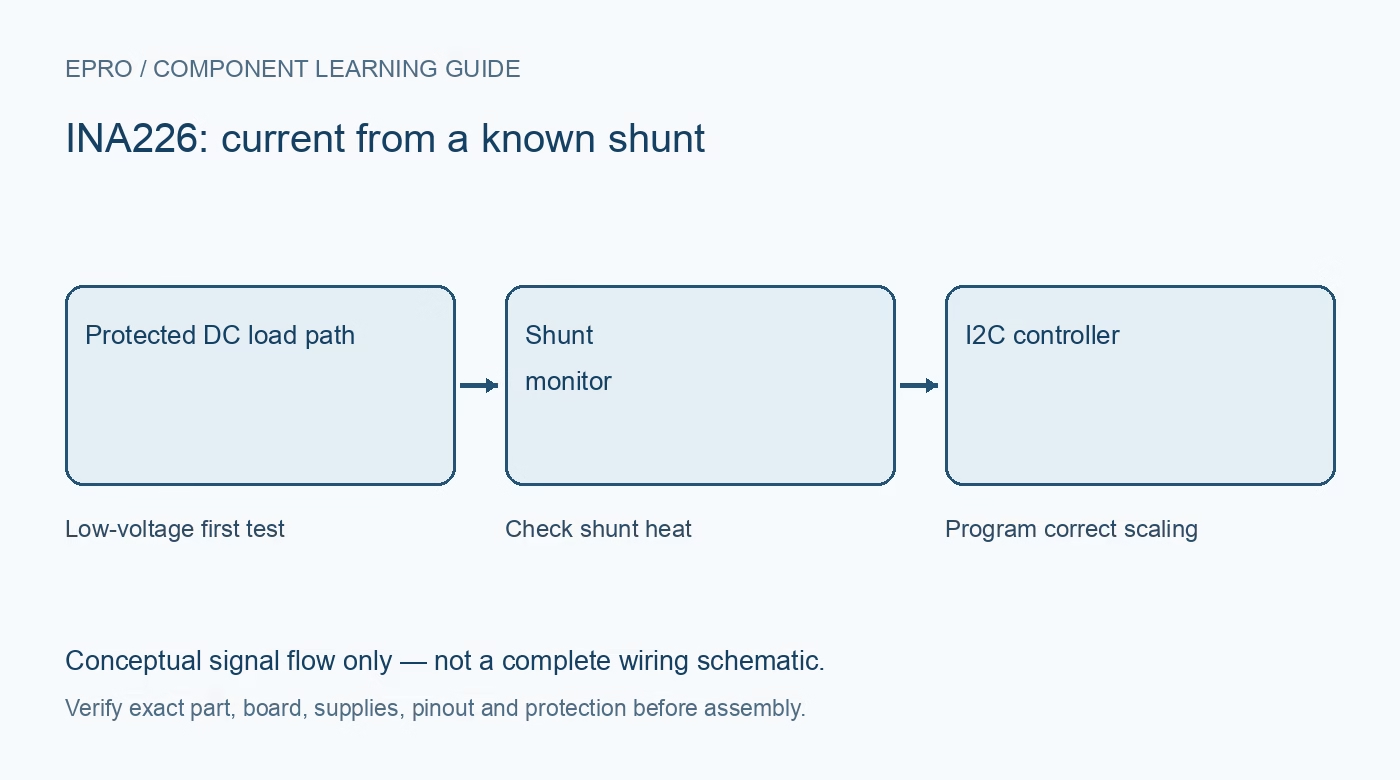
The INA226 datasheet describes a current, bus-voltage and power monitor, but a complete module’s useful current range depends heavily on its external shunt and board construction. Read supply voltage, bus voltage and differential shunt limits as separate specifications before selecting a measurement circuit.
Separate the monitor supply from the measured bus
Texas Instruments documents a 2.7–5.5 V device supply and a 0–36 V common-mode bus range. These are different pins and functions, not alternative ways to power the logic interface. The bus register’s mathematical full-scale value is not permission to exceed the documented 36 V input operating limit. Keep a first prototype at a protected low voltage.
Identify the actual shunt resistance
Current is inferred from the differential voltage across a known resistor. Check the actual shunt value, tolerance, temperature coefficient and power rating rather than accepting a library default. Also consider terminal, copper and sense-routing limits. A current rating inferred only from the IC name ignores the part of the circuit carrying the load.
Budget insertion loss and heating
The shunt causes a voltage drop proportional to current, and its dissipation follows current squared times resistance. A smaller resistor reduces drop but makes offset, noise and layout effects more important. A larger resistor can improve signal magnitude while increasing loss and heating. Choose it against the complete expected current range, including safe fault handling.
Understand calibration before reading current
The chip directly measures shunt and bus voltages; current and power scaling require a programmed calibration value. The datasheet states that current and power registers remain zero until calibration is loaded. A plausible bus voltage beside zero current does not prove the load draws nothing. Confirm the library uses the actual shunt and intended current scale.
Choose conversion time and averaging deliberately
Conversion settings affect update timing and noise behavior. More averaging can smooth readings but also delay a response. Record the settings and the age of the reported sample instead of printing the same register value repeatedly as independent new measurements. Check conversion-ready handling if the application needs consistent timing.
Distinguish monitoring from protection
An alert output and software limit can be useful observations, but they do not replace appropriate fuses, current limiting and a safe power design. The monitor is not galvanic isolation. Do not connect mains or an unknown high-energy battery system to a learning board. Validate scaling with a controlled low-voltage load and an appropriate reference instrument before relying on the readings.Newest in the store


Availability and illustration note
No matching product was found in the checked Epro catalog for this topic on 19 October 2026. This article therefore does not quote an Epro price or claim stock. The original illustration shows conceptual signal flow only, not a complete circuit or a photograph of a supplied product. Obtain a documented component or carrier with a known pinout and electrical specification.
Frequently asked questions
Why can bus voltage work while current remains zero?
The current and power calculations require the calibration register to be programmed correctly.
Does the IC determine the module’s maximum current alone?
No. Shunt resistance and power, terminals, PCB construction and thermal conditions also matter.
Related Epro reading
Review breadboard connections before assembling a prototype. For controller expansion, the Mega 2560 pin guide explains why pin names and electrical limits must be checked together.
Technical references and test limitations
This guide uses the documentation linked below. The procedures are for a controlled, low-voltage learning setup; no independent hands-on test of the particular seller board is claimed. Record the actual part markings, wiring and firmware version before drawing conclusions from a test.