


LM393 Arduino: 7 Output-Level and Hysteresis Checks

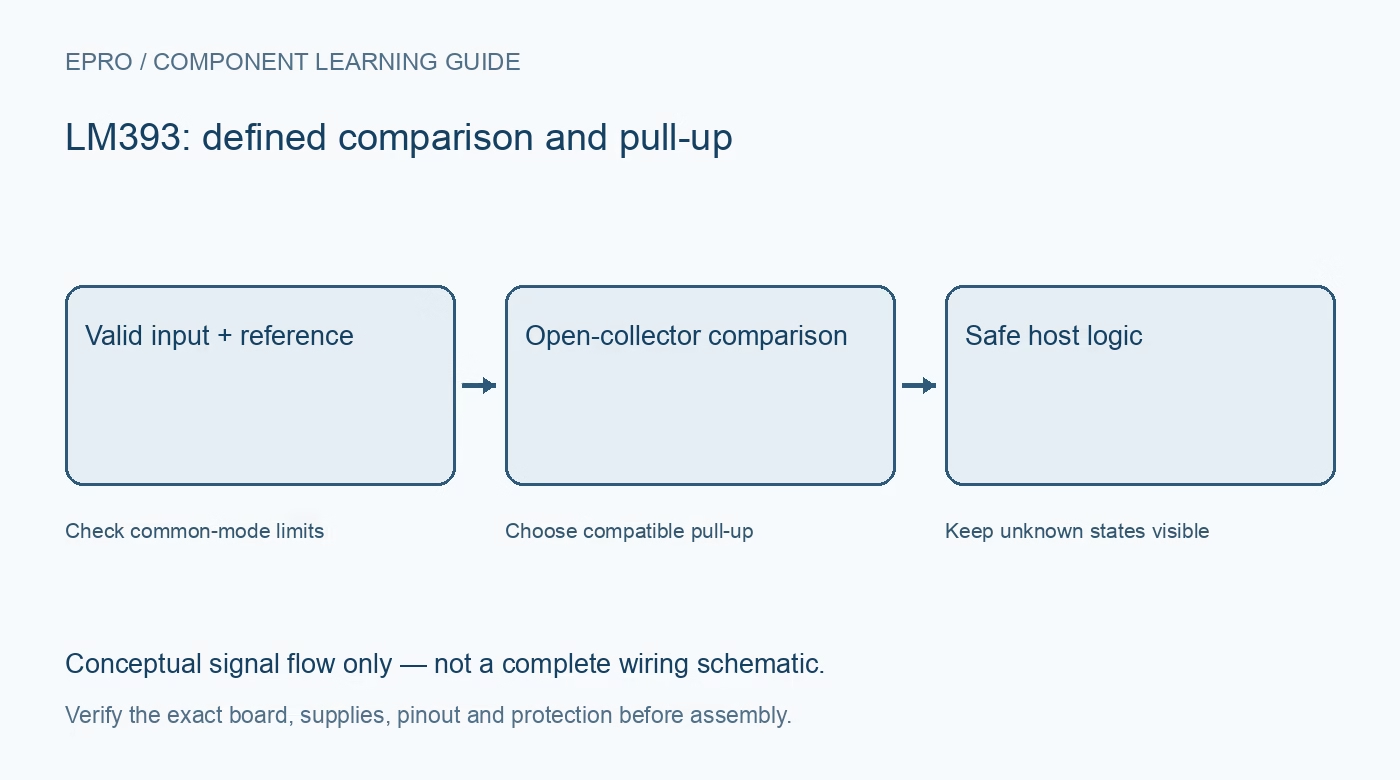
A useful LM393 Arduino demonstration starts with known low-voltage inputs rather than an unidentified sensor module. Confirm the output voltage and comparison polarity before attaching the host, then determine whether the application needs hysteresis, debounce or slower event processing.
Inspect the actual module or bare circuit
Identify the exact comparator variant, supply pins, analog inputs and output. A board carrying an LM393 may already connect its output through LEDs or pull-ups to its supply. Check that schematic before assuming the digital connector is safe for a lower-voltage host input.
Use known valid analog voltages
Choose a reference and adjustable test signal comfortably inside the documented common-mode limits. Keep both within the intended low-voltage rails and avoid negative excursions. Do not test the high end by sweeping a potentiometer to the supply rail and assuming every resulting state is meaningful.
Verify the pull-up before host connection
Provide a pull-up to an allowed receiving logic rail and check the resulting high and low output levels. Include any existing module resistor in the calculation. Do not attach a 5 V pulled-up output directly to an input that is not specified to tolerate that voltage.
Check comparison polarity slowly
With the signal clearly below and then above the reference, observe the output at a modest rate. Record which analog input receives the signal and which receives the reference. A board LED may use its own active-low wiring and is not a universal statement of comparator polarity.
Look for chatter near the boundary
Approach the threshold slowly and distinguish repeated physical output transitions from software printing. If hysteresis is needed, use a documented network and verify both rising and falling thresholds. Software debounce can change accepted events, but it does not alter the electrical comparator behaviour.
Define unused comparator inputs
Give the second channel’s inputs a documented stable arrangement within the valid range rather than leaving them floating. Keep its unused output free unless it is deliberately used. Add suitable supply decoupling and avoid routing noisy load currents through the reference return path.
Newest in the store


Validate startup without an actuator
Check the host’s input state during startup and when the signal is disconnected under a planned powered-down wiring change. Do not treat an accidental floating state as a valid sensor condition. Use logic-only loads; this test does not certify a protective threshold or safe actuator shutdown.
Frequently asked questions
Why does the indicator disagree with the host logic label?
Its LED can be wired active low. Verify actual output voltage and input polarity.
Can software debounce fix an unsafe pull-up voltage?
No. Correct the electrical interface before interpreting or filtering transitions.
Availability and illustration note
The catalog search on 21 October 2026 UTC returned LM393 Low Offset Voltage Dual Comparator IC in Pakistan. Verify the exact fitted part, carrier schematic, included accessories, current price and availability before ordering; this guide does not establish compatibility from a product title alone. The illustration is an original conceptual signal-flow diagram, not a product photograph or complete wiring schematic.
Related Epro reading
For a first bench setup, review breadboard connections and continuity checks and I2C voltage-level translation. These guides do not replace the exact module schematic.
Technical references and limitations
Source: Texas Instruments LM393-family dual comparator datasheet. Electrical limits apply to the named part, not automatically to every carrier board. This is a documentation-based learning workflow, not a claim of independent hardware testing, traceable calibration or safety certification.