


PCF8523 Arduino: 7 Time-Integrity and Backup Checks

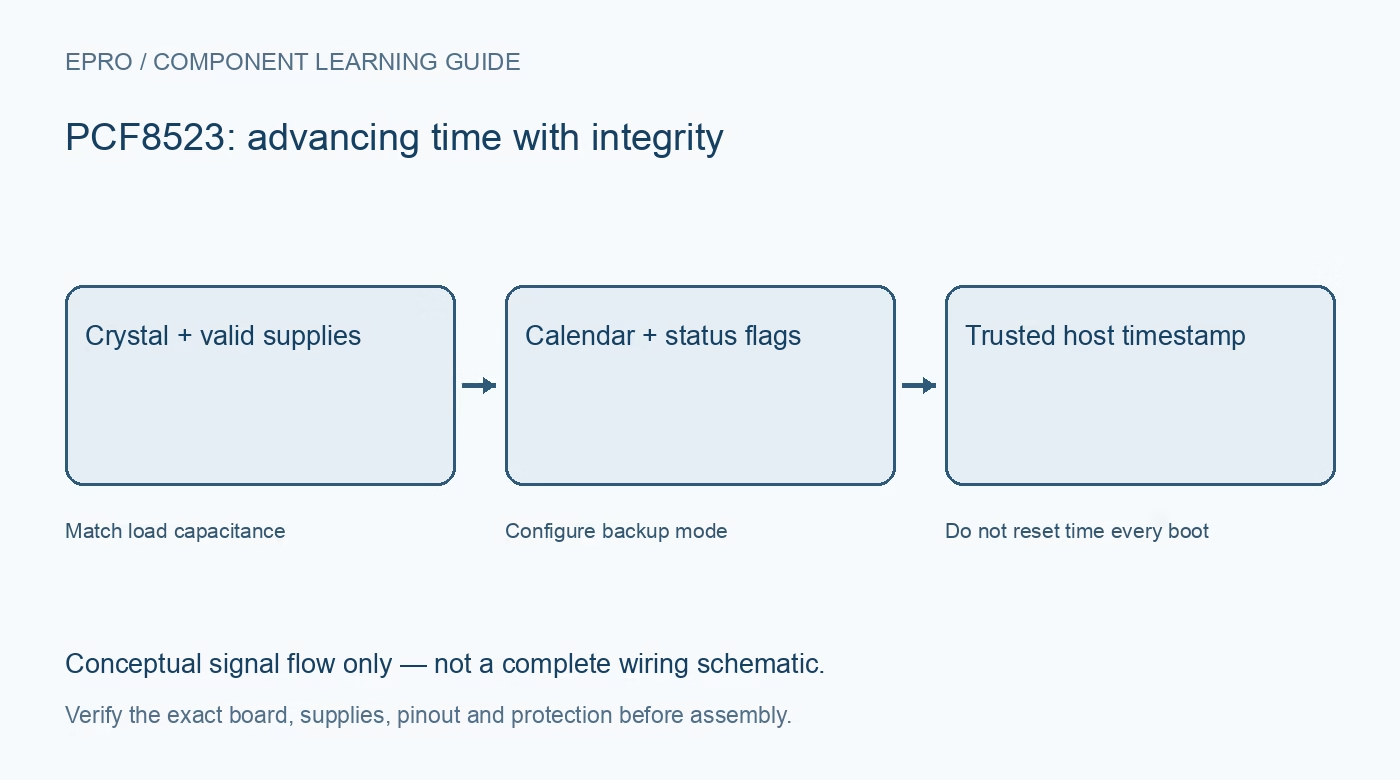
A PCF8523 Arduino integration should distinguish valid advancing time from a date that merely looks plausible. Use a driver matched to this RTC and inspect what its initialization function changes. Repeatedly writing the sketch build time can hide backup failures rather than fix them.
Verify board voltage and cell arrangement
Check main supply, I2C pull-ups, backup source and any carrier charging circuit. Use the exact board schematic rather than a different RTC module pinout. Confirm the cell type is appropriate before inserting it; never enable or improvise charging for a non-rechargeable backup cell.
Read status before changing time
Capture oscillator-stop and relevant power-management status on startup. A successful address response does not establish time integrity. If the flag indicates interrupted oscillation, report time as untrusted until a known valid initialization is performed, rather than silently displaying the existing calendar as confirmed current time.
Set a trusted calendar deliberately
Use the library’s documented calendar handling, including BCD fields and the selected hour format. Decide whether stored time represents UTC or a local convention and record that policy. An RTC does not infer timezone or daylight-saving rules; those belong in the host application and display logic.
Do not adjust on every boot
Set the clock only for a known initialization need or an explicit user action. Unconditionally loading compile time can move the clock backward after every reset and conceal a failing backup circuit. Keep a clear distinction between setting a reference time and simply reading a healthy running clock.
Configure backup behavior explicitly
Check that the chosen power-management bits enable the intended switchover mode. Do not assume the reset default is suitable. Review the driver implementation and read back configuration where supported, preserving unrelated control bits rather than replacing the entire register with a guessed constant.
Verify advancing and coherent readings
Read calendar data using the documented transaction behavior so an update does not combine incompatible fields around a rollover. Confirm seconds advance and test a minute boundary. Treat transfer errors as unavailable time, not an all-zero date or a cached value presented without its age.
Newest in the store


Test backup without erasing the evidence
With valid backup settings, remove and restore main power using the documented arrangement. On return, read status and compare elapsed time before any adjustment routine runs. Observe battery and oscillator indications and document the result. A brief pass does not establish long-term drift, battery life or traceable calibration.
Frequently asked questions
Why does time reset after uploading the sketch?
Check for an unconditional adjustment call before assuming the battery or RTC is defective.
Should software clear OS immediately at boot?
First preserve and handle the integrity evidence; establish trusted time and follow the documented clearing procedure.
Availability and illustration note
No matching Epro product was returned by the catalog search on 21 October 2026 UTC. This learning guide does not assert stock, a selling price or compatibility of an unidentified substitute. The illustration is an original conceptual signal-flow diagram, not a product photograph or complete wiring schematic.
Related Epro reading
For a first bench setup, review breadboard connections and continuity checks and I2C voltage-level translation. These guides do not replace the exact module schematic.
Technical references and limitations
Source: NXP PCF8523 real-time clock datasheet. Electrical limits apply to the named part, not automatically to every carrier board. This is a documentation-based learning workflow, not a claim of independent hardware testing, traceable calibration or safety certification.