


PCM1802 Audio ADC: 7 Checks for HPF Bypass and Clock Changes

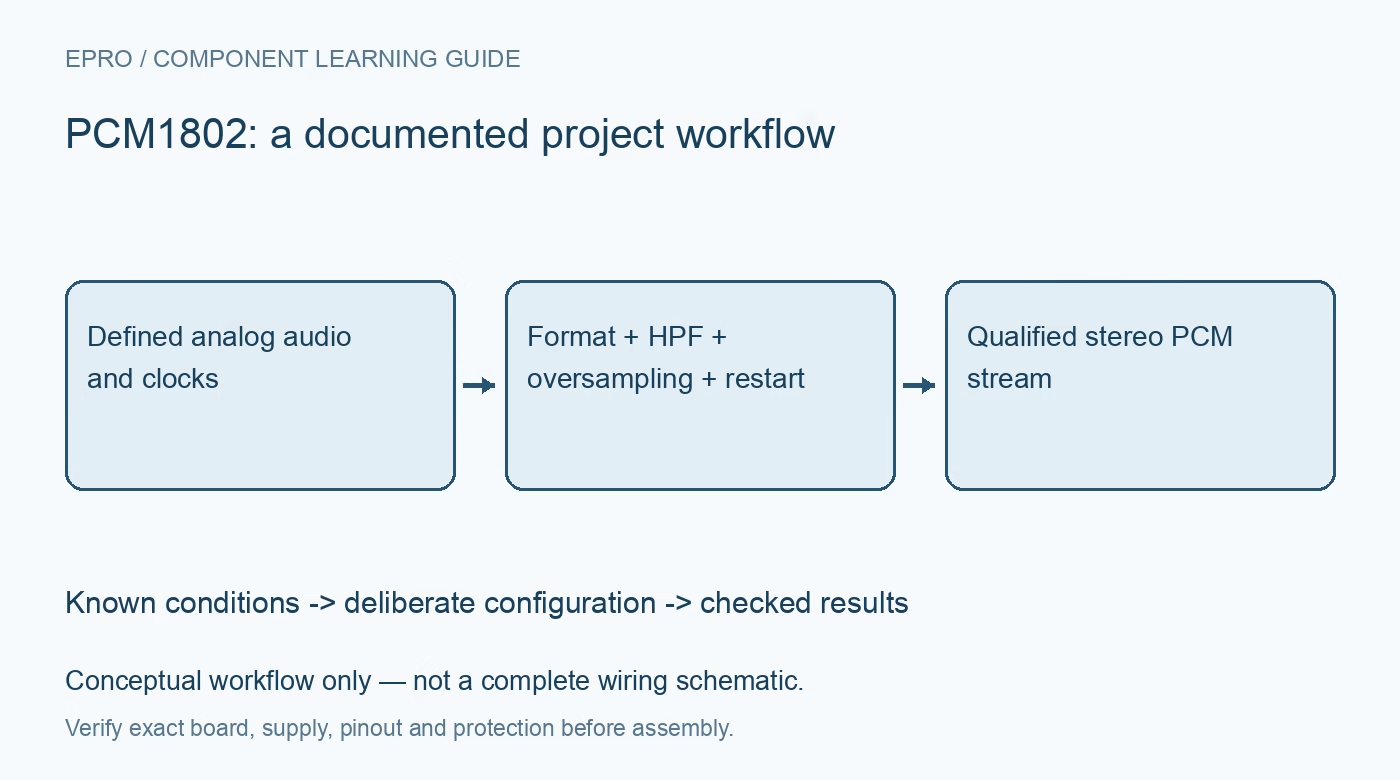
PCM1802 Audio ADC: 7 Checks for HPF Bypass and Clock Changes
Review PCM1802 audio acquisition with correct hardware format pins, high-pass bypass, oversampling selection, power-down control and clock-change recovery. This is a documentation-based planning guide, not a report of independent hands-on testing.
1. Separate an audio ADC from a generic sensor converter
PCM1802 is a stereo audio ADC with single-ended analog inputs and serial PCM output. The documented architecture uses a 5 V analog supply and a 3.3 V digital supply. It does not digitize arbitrary industrial voltages directly or provide isolated microphone power. Review input amplitude, coupling and bias against the application circuit. A twenty-four-bit data word describes the output format, not guaranteed twenty-four-bit accuracy for a board, source or DC measurement system. Manufacturer documentation.
2. Match hardware format pins to the receiving interface
FMT0 and FMT1 select the documented left-justified, I2S or right-justified formats and word lengths. Verify the receiver configuration, bit alignment and channel relationship from the timing diagrams. Include FSYNC where required rather than reducing the interface to a generic three-wire assumption. This is a hardware-controlled device; a software initialization sequence copied from an I2C-programmable codec is not an equivalent configuration. Keep strap levels deterministic while the host is resetting or its pins are high impedance. Manufacturer documentation.
3. Decide whether the high-pass filter should be bypassed
With BYPAS low, the normal high-pass operation rejects the DC component from the output stream. Setting BYPAS high includes DC components, including internal offset, in the converted data. Do not interpret this as a calibrated precision DC-voltmeter mode. Coupling networks, bias, offset limits and the audio transfer path still govern what is observed. Record the filter state with test results, since two otherwise identical recordings can differ at low frequency when this pin is configured differently. Manufacturer documentation.
4. Check oversampling against the actual sample frequency
OSR selects the modulator oversampling ratio under the documented conditions. The higher oversampling setting is restricted to sample rates below 50 kHz, and clock duty conditions can matter for particular system-clock ratios. Do not assume maximum oversampling and maximum sample rate are simultaneously valid. Select sample frequency, system-clock ratio, master or slave mode and OSR as a compatible set using the manufacturer tables. A clock frequency that produces some serial activity is not proof of an approved operating combination. Manufacturer documentation.
Newest in the store


5. Give PDWN a deliberate role in startup and reconfiguration
PDWN low powers down the ADC, disables DOUT and stops acceptance of the system clock as documented. The manufacturer recommends asserting power-down when changing sample rate, interface mode, data format or oversampling control to obtain stable analog performance. Plan a controlled restart rather than changing several straps while a recording is accepted as valid. Keep transition samples flagged or discarded according to the timing guidance, and ensure downstream equipment cannot interpret an undefined startup stream as real program audio. Manufacturer documentation.
6. Diagnose clock synchronization before blaming analog silence
In slave mode, LRCK and system clock must maintain the documented synchronization relationship. Loss of synchronization can produce undefined data followed by forced zero output while recovery occurs. A stream of zeros therefore does not establish that the analog input is silent. Check clock presence, frequency relationship and receiver framing together. Monitor continuity and explicitly mark discontinuities in a logger. Restoring clock signals is only part of recovery; allow the documented resynchronization and settling sequence before accepting samples again. Manufacturer documentation.
7. Validate with known audio and controlled transitions
Begin with a bounded low-level sine wave and verify left-right assignment, amplitude, format and clipping margin using raw PCM capture. Compare low-frequency behavior with HPF enabled and bypassed under the same source conditions. Test power-down recovery and a planned sample-rate change before connecting sensitive playback equipment. Save clock settings, strap states, analog coupling and receiver configuration. Manufacturer dynamic-range figures apply to specified conditions; this guide contains no independent noise, distortion or listening measurements for an untested implementation. Manufacturer documentation.
Related reading: PCM1808 Audio ADC: 7 Checks for Hardware Format and Clock Restart.
Catalog note: The exact-part search did not return a matching Epro listing during preparation. Check the current catalog; this guide makes no price, availability or included-accessory claim.