


PCM1804 Audio ADC: 7 Checks for Differential Inputs and DSD

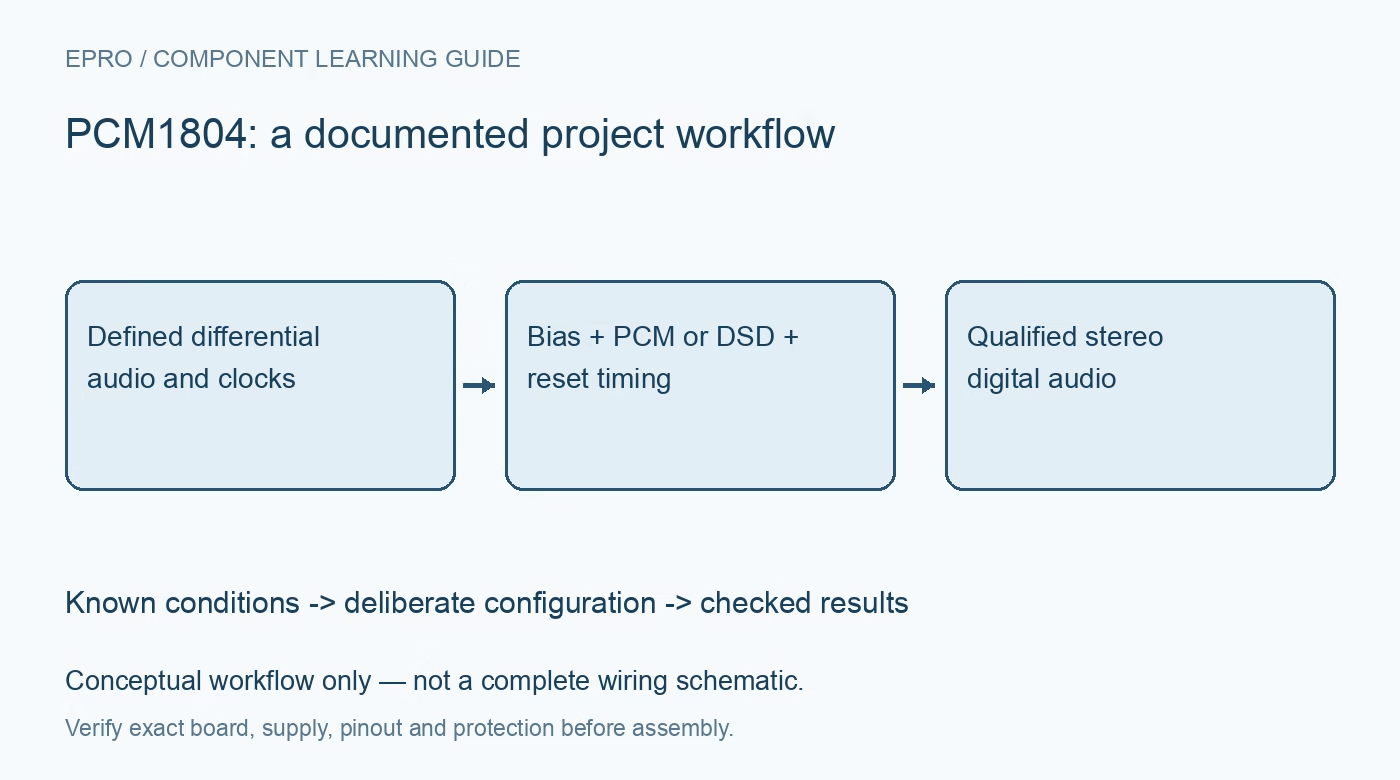
PCM1804 Audio ADC: 7 Checks for Differential Inputs and DSD
Review PCM1804 analog bias, differential drive, PCM or DSD pin roles, sample-rate clocks and reference settling before capturing a stereo audio stream. This is a documentation-based planning guide, not a report of independent hands-on testing.
1. Treat the analog inputs as biased differential pairs
PCM1804 uses fully differential analog inputs, unlike several nearby single-ended audio ADCs. The datasheet specifies the differential signal around a defined input center voltage. The differential amplitude headline does not authorize driving an individual pin that far below ground. Review both pin voltages and their difference with the actual driver circuit. A single-ended source may require the documented conditioning stage rather than grounding an unused input blindly. Keep initial signals bounded and disconnected from sensitive playback equipment. Manufacturer documentation.
2. Verify analog supply, digital supply and reference networks
The architecture uses 5 V analog and 3.3 V digital power, with specific ground and bypass connections. VREF and VCOM nodes require the manufacturer local capacitor networks and should not be treated as general-purpose power outputs. Check both channels independently for correct bias and orientation. The reference response matters at startup, particularly if capacitor values differ from the example. A correct serial clock cannot make an improperly biased or unsettled analog front end produce valid audio measurements. Manufacturer documentation.
3. Choose PCM or DSD before assigning serial pins
The device supports both PCM and DSD output modes, and some package pins change role between them. A receiver expecting ordinary PCM cannot simply interpret DSD bits as shorter PCM words. Verify format straps, clock direction and the exact DATA, BCK and LRCK-related functions from the selected-mode diagram. Document the physical connector mapping. A label such as digital audio on a module does not establish which mode is active or whether the host supports the necessary interface. Manufacturer documentation.
4. Select a valid sample-rate and clock combination
The supported system-clock ratios, oversampling controls and operating modes must be selected as a compatible set at the desired sample rate. Do not combine every headline maximum with every listed ratio. Check the actual clock source quality, duty cycle and timing relative to the serial interface, especially in slave mode. Higher sample rate does not by itself improve analog dynamic range. Save the full clock and strap configuration with captures so a later receiver change cannot silently alter the operating condition. Manufacturer documentation.
Newest in the store


5. Specify the high-pass and overflow behavior
The integrated high-pass function removes DC offset from the digital signal under its documented control. Bypassing it changes low-frequency and offset behavior, not the fundamental input ratings or calibration of the analog path. Overflow or peak-related outputs provide specific status information and are not a substitute for verifying analog headroom. Check their thresholds and handling against the intended format. A capture with no obvious clipping codes can still be degraded by a driver, bias or input-range problem before conversion. Manufacturer documentation.
6. Qualify reset and synchronization recovery
Follow the documented reset and clock-start sequence before accepting output data. The manufacturer notes that larger reference capacitors can require external reset delay matched to their response, and reset also participates in power-down control. Loss of clock synchronization can introduce undefined or zero data and a discontinuity when normal operation resumes. Mark those intervals invalid rather than labeling zeros as analog silence. Establish how the downstream recorder or processor mutes, discards or flags transition samples. Manufacturer documentation.
7. Validate each mode with known signals and raw captures
Start with a low-amplitude test tone and confirm differential drive, center voltage, channel identity and output format. Inspect raw PCM or a correctly decoded DSD capture using tools suitable for that mode. Repeat after planned reset and clock changes, allowing reference and digital settling. Save analog-driver components, capacitor values, straps, clocks and receiver settings. Manufacturer noise and dynamic-range figures apply under specified conditions; this documentation-based guide contains no independent audio-performance or listening evaluation of an untested board. Manufacturer documentation.
Related reading: PCM1802 Audio ADC: 7 Checks for HPF Bypass and Clock Changes.
Catalog note: The exact-part search did not return a matching Epro listing during preparation. Check the current catalog; this guide makes no price, availability or included-accessory claim.