


PIR Motion Sensor Arduino Code: 7 HC-SR501 Checks

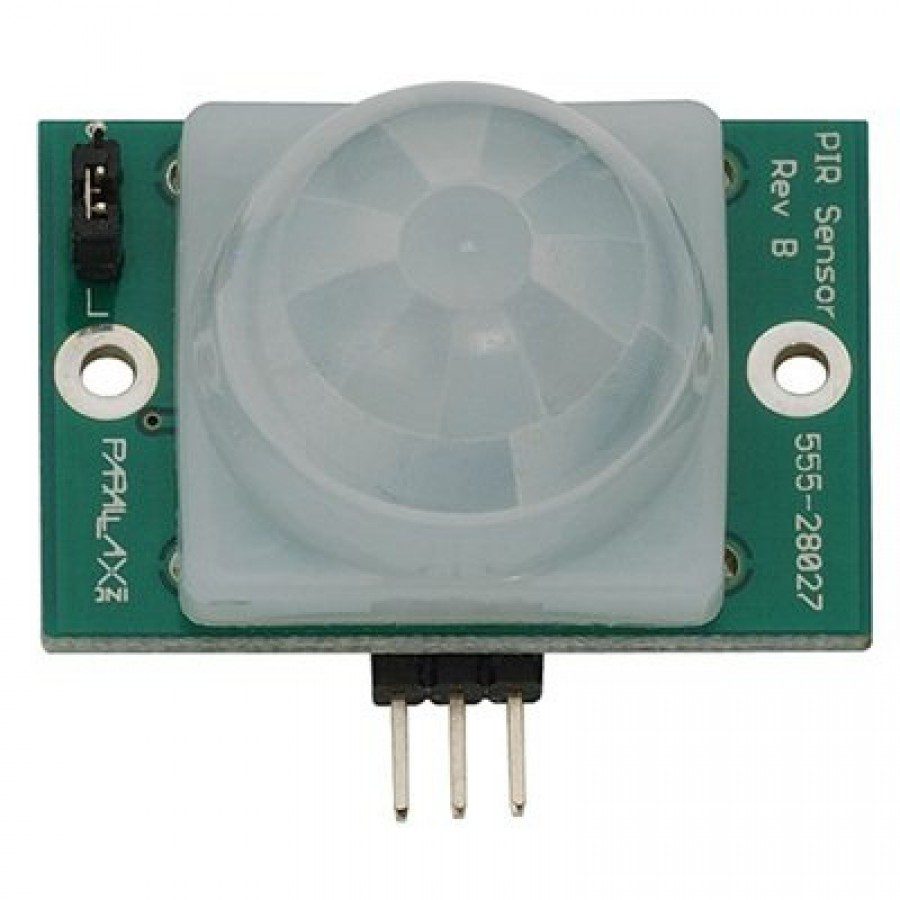
PIR motion sensor Arduino code is simplest when it reads a digital signal and reports state changes. Before attaching a buzzer, relay or other load, verify that the module stabilizes, detects expected movement and returns to its inactive state under the chosen timing settings.
This example uses an HC-SR501-style low-voltage module and a conventional Uno-compatible controller. It is a learning demonstration, not a certified alarm, a reliable people counter or proof that a room is unoccupied.

1. Confirm the module’s supply and pins
The HC-SR501 product listing describes a supply range beginning at 4.5 V and a high output around 3.3 V. A regulated 5 V supply is used in this Uno example. Verify the actual board’s pin labels and supported input range before connecting it.
Remove power while wiring. Connect VCC to the rated 5 V supply, GND to Uno GND and OUT to D2. The module’s pin order can differ from pictures of other PIR boards. Keep this circuit low voltage; a mains motion-switch product is not compatible with this wiring.
2. Select a documented timing mode
If your board has a retrigger jumper, check its markings and instructions. In a retriggering mode, further movement can keep OUT high for longer. The delay adjustment controls module timing rather than the polling interval in the Arduino program.
Start with modest sensitivity and a convenient short hold time if the module supports them. Do not force trimmer stops, and do not assume every HC-SR501 revision has the same clockwise adjustment direction or timing range.
3. Upload PIR motion sensor Arduino code
const byte PIR = 2;
const unsigned long WARMUP_MS = 60000UL;
unsigned long started;
int previous = -1;
void setup() {
  Serial.begin(9600);
  pinMode(PIR, INPUT);
  pinMode(LED_BUILTIN, OUTPUT);
  digitalWrite(LED_BUILTIN, LOW);
  started = millis();
  Serial.println("PIR warming up");
}
void loop() {
  if (millis() - started < WARMUP_MS) return;
  int state = digitalRead(PIR);
  digitalWrite(LED_BUILTIN, state);
  if (state != previous) {
    Serial.println(state == HIGH ? "Motion signal HIGH" : "Motion signal LOW");
    previous = state;
  }
  delay(20);
}
Open Serial Monitor at 9600 baud. The 60-second software settling interval is a conservative starting point informed by common PIR guidance, not a guarantee for every environment or module. Follow your exact sensor’s requirements and wait for stable operation before drawing conclusions.
4. Understand what the sketch reports
The sketch prints changes in the module’s output state, not every individual human movement. Several movements can occur while the output remains high. Counting rising edges would therefore count output events, not reliably count people entering a doorway.Newest in the store


The built-in LED is only an indicator. A separate lamp or motor must not be attached directly to the sensor output or controller pin. Any larger load needs its own suitable driver and safe power design.
5. Test movement and the inactive condition
After warm-up, move through the expected sensing area and observe the signal. Then remain out of the area long enough for the module’s hold time to expire. In retriggering mode, movement during that period can extend the high signal, so a long pulse is not necessarily evidence that D2 is stuck.
Repeat the test at the intended mounting height and angle. A stationary warm target may cease producing movement events, and detection can vary with temperature contrast. Avoid describing a successful hand-wave test as a guarantee of reliable presence detection.
6. Diagnose false or missing events
For repeated activity without expected movement, check unstable power, direct sunlight, moving heat sources and an excessively sensitive setting. For missing events, inspect the lens view, pin mapping, module timing and whether the target movement crosses useful detection zones.
Change one variable at a time and record the result. Adding long software delays can hide behaviour rather than fix it. If the output level is uncertain, measure it appropriately before connecting a controller with stricter input limits.
7. Add safeguards before automation
Use fault-aware logic and suitable independent safeguards for any consequential action. This example does not include load protection or security validation. Compare hardware in the PIR sensor buying guide and consult the Adafruit PIR testing guide for the distinction between retriggering and non-retriggering behaviour.