


SEN55 Arduino: 7 Frame, Status and Invalid-Value Checks

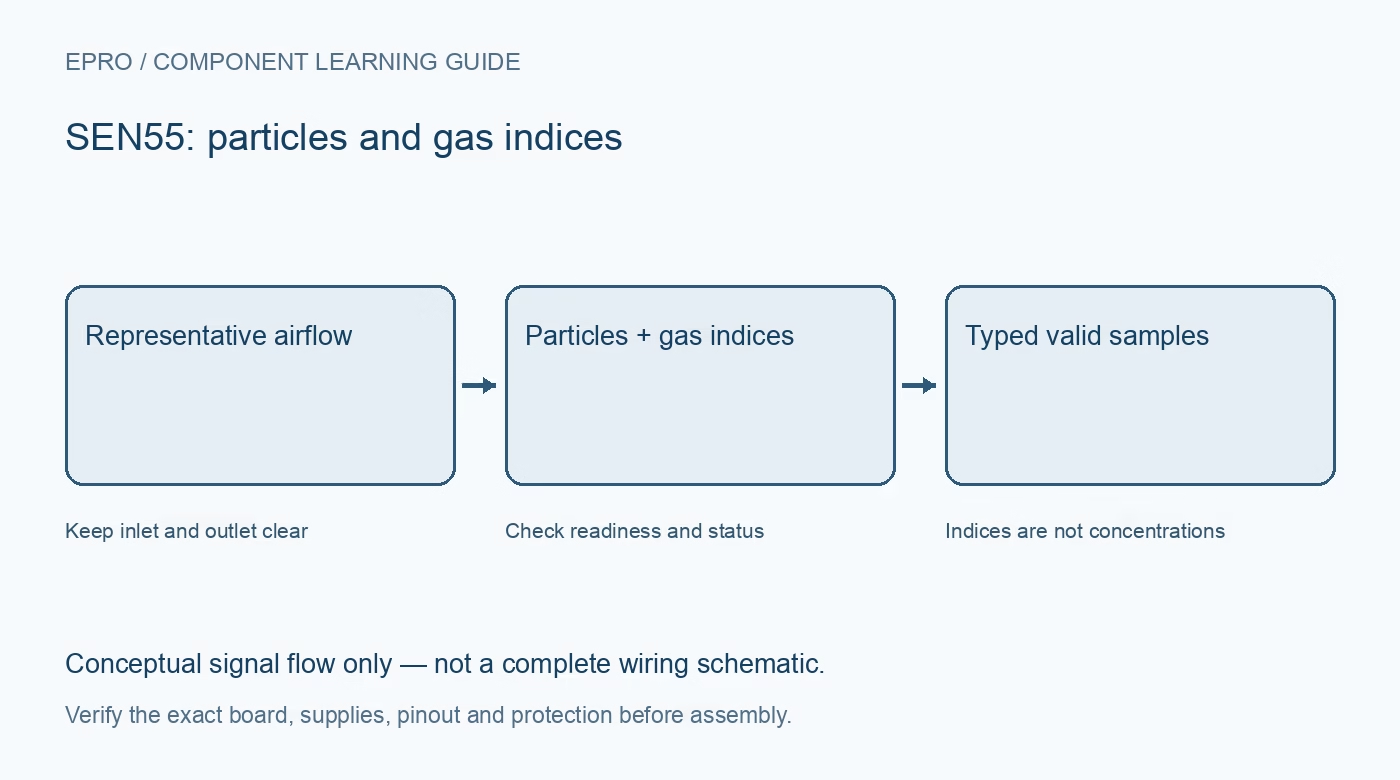
A SEN55 Arduino logger needs more than a successful I2C scan. Check the exact variant, startup state and meaning of each field before sending particle measurements and gas indices to one dashboard. Keep diagnostic and cleaning status alongside the sample record.
Verify connector pinout and power capacity
Use the module’s actual connector drawing, not a guessed wire colour. Provide the specified supply and verify host logic compatibility and pull-up voltage independently. Keep power disconnected while changing connections; a fan-assisted module should not be powered from an ordinary digital output.
Use the documented bus settings
The referenced interface uses seven-bit address 0x69 and standard-mode operation up to 100 kbit/s without clock stretching. Begin with that supported configuration. An example that globally sets a much faster bus for a display is not proof that this module will operate reliably at that rate.
Identify the variant and start the right mode
Read supported product information and initialize through a maintained SEN5x driver. Confirm full measurement mode if particulate outputs are required; RHT/gas-only mode deliberately lacks those measurements. A missing field should be interpreted against the selected mode and actual module variant.
Wait for readiness and a complete frame
Use the driver’s ready status and command-specific waiting times. Read the expected result length and validate the checksum for each word. If a host buffer is too small, use a driver transaction strategy compatible with the sensor instead of silently dropping the trailing gas-index fields.
Decode every field with its own type and scale
Particle mass, relative humidity, temperature, VOC Index and NOx Index do not share one universal multiplier. Some fields are signed and some unsigned. Use the documented invalid-value handling before scaling; a sentinel must not become an enormous concentration or a plausible negative temperature.
Preserve status, warm-up and cleaning context
Poll diagnostic status as recommended and record relevant fan, sensing or cleaning conditions. Do not label a gas-index startup state as a precise concentration. Attach a timestamp only to an accepted fresh sample and keep error counters rather than smoothing invalid data into a continuous graph.
Newest in the store


Test recovery without generating pollutants
Use normal indoor logging and an incorrect address in software to verify the unavailable-data path. Restore the documented configuration and confirm fresh samples resume. Do not burn materials, spray aerosols or create gas exposure for a demonstration. This workflow is a functional integration test, not a certified safety or compliance evaluation.
Frequently asked questions
Why do some particle fields remain invalid?
Check the selected measurement mode, actual SEN5x variant, startup readiness and the driver’s invalid-value convention.
Can all eight fields be stored as the same unit?
No. Preserve signal names, units, signedness and scale factors separately.
Availability and illustration note
No matching Epro product was returned by the catalog search on 21 October 2026 UTC. This learning guide does not assert stock, a selling price or compatibility of an unidentified substitute. The illustration is an original conceptual signal-flow diagram, not a product photograph or complete wiring schematic.
Related Epro reading
For a first bench setup, review breadboard connections and continuity checks and I2C voltage-level translation. These guides do not replace the exact module schematic.
Technical references and limitations
Source: Sensirion SEN5x datasheet, SEN55 variant. Electrical limits apply to the named part, not automatically to every carrier board. This is a documentation-based learning workflow, not a claim of independent hardware testing, traceable calibration or safety certification.