


TSL2591 Arduino: 7 Gain, Freshness and Over-Range Checks

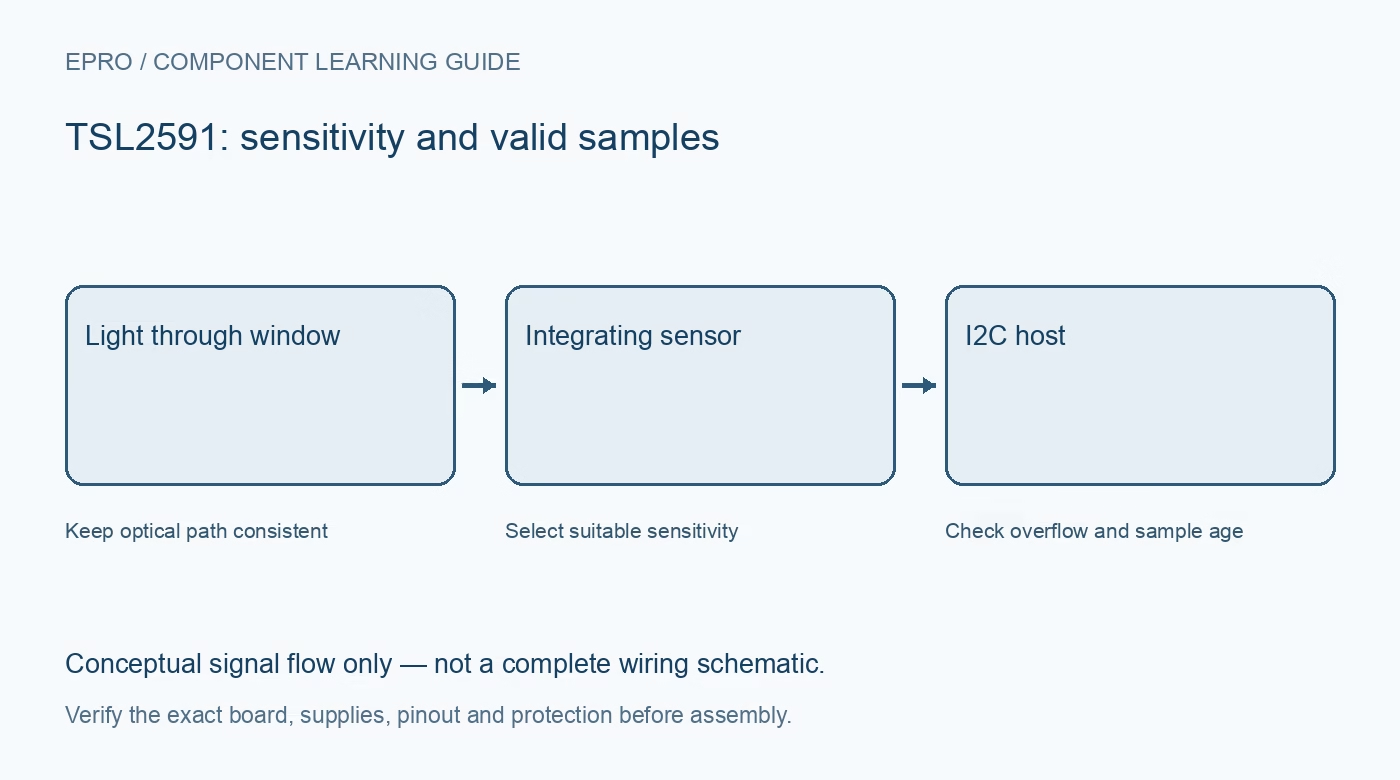
A TSL2591 Arduino test should prove that both optical channels were read under known settings before calculating illuminance. Begin with a steady room-light scene and explicit diagnostics, then add adaptive sensitivity only after a fixed configuration behaves predictably.
Verify carrier supply and I2C levels
Check the module schematic and host pin tolerance with power disconnected. A regulator does not automatically translate data-line voltage. Keep the initial bus short and simple, and verify any other connected device’s pull-up rail before combining modules.
Confirm identity at the primary address
Use the intended driver’s identification and initialization path at 0x29. A scanner may reveal the secondary read-access address, but that is not another physical sensor. Log initialization failures and do not continue calculating lux from buffers that never received a valid transfer.
Record gain and integration settings
Choose one supported gain and integration combination from the installed driver. Include those settings with raw data in the diagnostic log. If automatic gain is enabled later, document its thresholds and avoid making a sensitivity change indistinguishable from a change in illumination.
Wait for a complete new integration
The ADC requires time to collect light at the selected configuration. After changing gain, timing or enable state, follow the documented driver sequence before accepting results. Repeatedly printing a cached value or rereading registers faster than updates occur does not increase actual measurement bandwidth.
Read paired channels and reject transfer errors
Preserve the broadband and infrared channel values from a coherent acquisition. Check read length and driver return status. A zero-filled buffer after an I2C failure is not evidence of darkness. When logging failures, preserve the age of the last accepted optical sample separately from the current loop time.
Handle saturation before lux conversion
Use the documented limit appropriate to the active timing and driver. Reduce sensitivity if needed, then wait for another complete measurement. Do not clamp overflow into a plausible lux value or treat a library-specific negative sentinel as a real physical reading.
Newest in the store


Validate with controlled scene changes
Shade the opening without touching it and compare the response with normal room illumination. Review raw channels, converted lux, status and settings together. Use representative light sources and the final enclosure before choosing thresholds. These tests establish functional behaviour, not traceable calibration or universal agreement with a commercial light meter.
Frequently asked questions
Why does my application report darkness after disconnecting the module?
It may be interpreting failed reads or zeroed buffers as valid measurements. Require successful status before accepting a physical value.
Should every loop iteration receive a new timestamp?
Keep loop time separate from successful acquisition time; only a valid fresh conversion should advance the sample timestamp.
Availability and illustration note
No matching Epro product was returned by the catalog search on 19 October 2026. This learning guide does not assert stock, a selling price or compatibility of an unidentified substitute. The illustration is an original conceptual signal-flow diagram, not a product photograph or complete wiring schematic.
Related Epro reading
For a first bench setup, review breadboard connections and continuity checks and I2C voltage-level translation. These guides do not replace the exact module schematic.
Technical references and limitations
Source: ams OSRAM TSL2591 datasheet. Electrical limits apply to the named part, not automatically to every carrier board. This is a documentation-based learning workflow, not a claim of independent hardware testing, traceable calibration or safety certification.