


LM75 Arduino: 7 LM75B Hysteresis and Read Checks

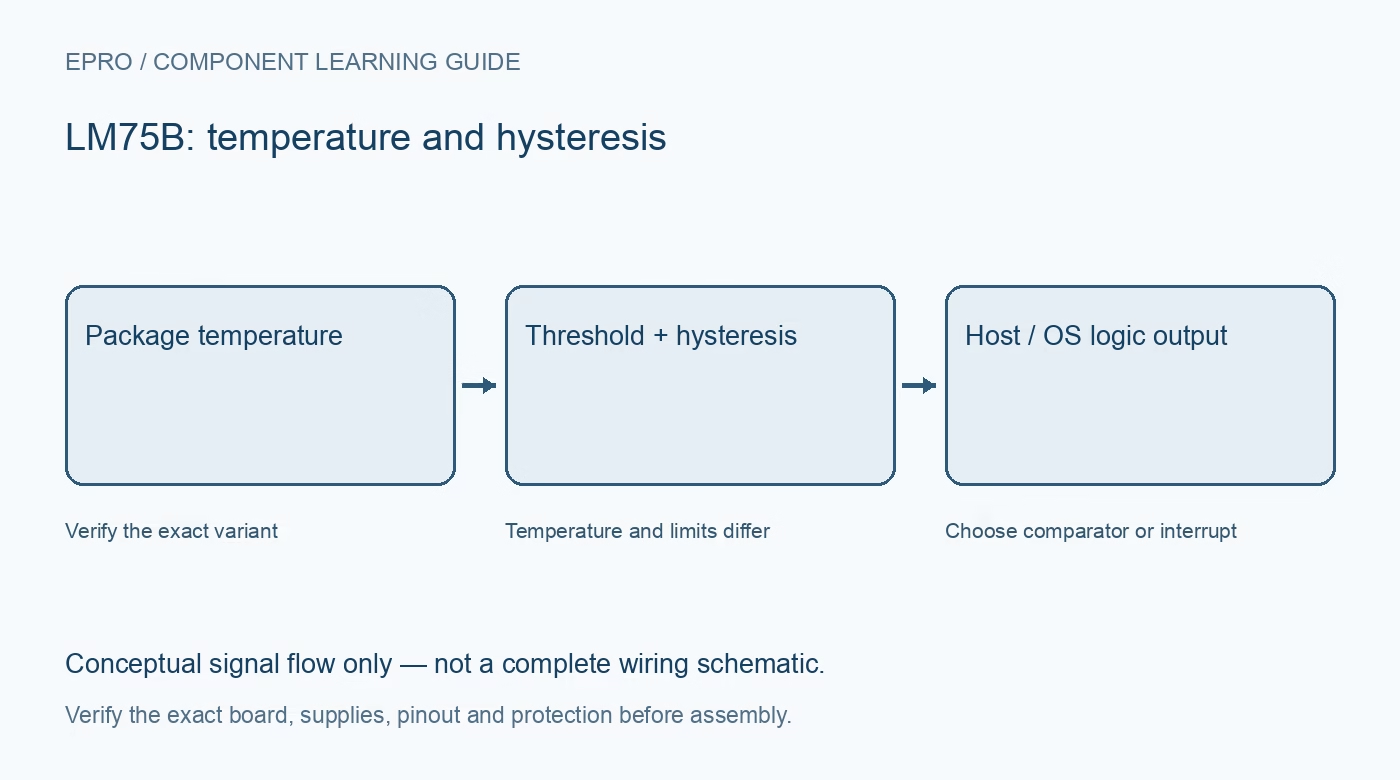
An LM75 Arduino example can appear to work while silently discarding LM75B resolution or clearing an interrupt unexpectedly. Confirm the actual fitted part, then test temperature reads and the optional OS logic output as separate functions.
Identify the device before choosing a driver
Match the package marking and carrier documentation to the intended library variant. This workflow uses the NXP LM75B eleven-bit temperature format. A generic LM75 library may intentionally decode only nine bits, so check its implementation before blaming the module for coarse steps.
Verify the bus and strapped address
Check supply compatibility, ground and pull-up rails with power removed. Select the address from the physical A2, A1 and A0 connections and check for conflicts. An acknowledgment at 0x48 is not enough to distinguish this sensor from another device using the same address.
Decode the temperature register correctly
Read both bytes most-significant first and extract the signed eleven-bit field, leaving the unused low bits out of the result. Each count represents 0.125 degrees Celsius. A maintained driver can perform the sign extension, but still reject incomplete transfers and report communication failures separately.
Encode thresholds at their own resolution
Overtemperature and hysteresis registers use nine-bit signed values with 0.5 degree steps. Keep the upper threshold above the hysteresis threshold and verify the stored values. Do not reuse the temperature-read conversion blindly to encode a threshold with a different bit width.
Test comparator hysteresis first
Monitor OS through a compatible pull-up and a logic input, not a power load. Choose conservative thresholds around normal room conditions rather than heating the board toward its factory high-temperature threshold. Comparator mode clears below the hysteresis boundary; ordinary register reads do not clear it.
Account for interrupt clearing and fault queue
In interrupt mode, a register read can clear a latched output and subsequent threshold behaviour follows the documented state sequence. Continuous display polling can therefore change what an interrupt demonstration appears to do. Include the configured fault queue and polarity in the diagnostic log.
Newest in the store


Verify errors and recovery without dangerous heat
Use an incorrect address in software to exercise the unavailable-data state, then restore normal reads. Log temperature, threshold configuration and OS state together. Do not use a hobby demonstration as the only protection for a heater, battery or other potentially hazardous load.
Frequently asked questions
Why does polling change the interrupt output?
Register reads participate in clearing a latched interrupt in that mode; coordinate polling and event handling.
Does reading a register also clear comparator mode?
No. Comparator clearing follows the hysteresis temperature condition.
Availability and illustration note
No matching Epro product was returned by the catalog search on 21 October 2026 UTC. This learning guide does not assert stock, a selling price or compatibility of an unidentified substitute. The illustration is an original conceptual signal-flow diagram, not a product photograph or complete wiring schematic.
Related Epro reading
For a first bench setup, review breadboard connections and continuity checks and I2C voltage-level translation. These guides do not replace the exact module schematic.
Technical references and limitations
Source: NXP LM75B datasheet. Electrical limits apply to the named part, not automatically to every carrier board. This is a documentation-based learning workflow, not a claim of independent hardware testing, traceable calibration or safety certification.