


MAX31855 Arduino: 7 Signed-Data and Fault-Bit Checks

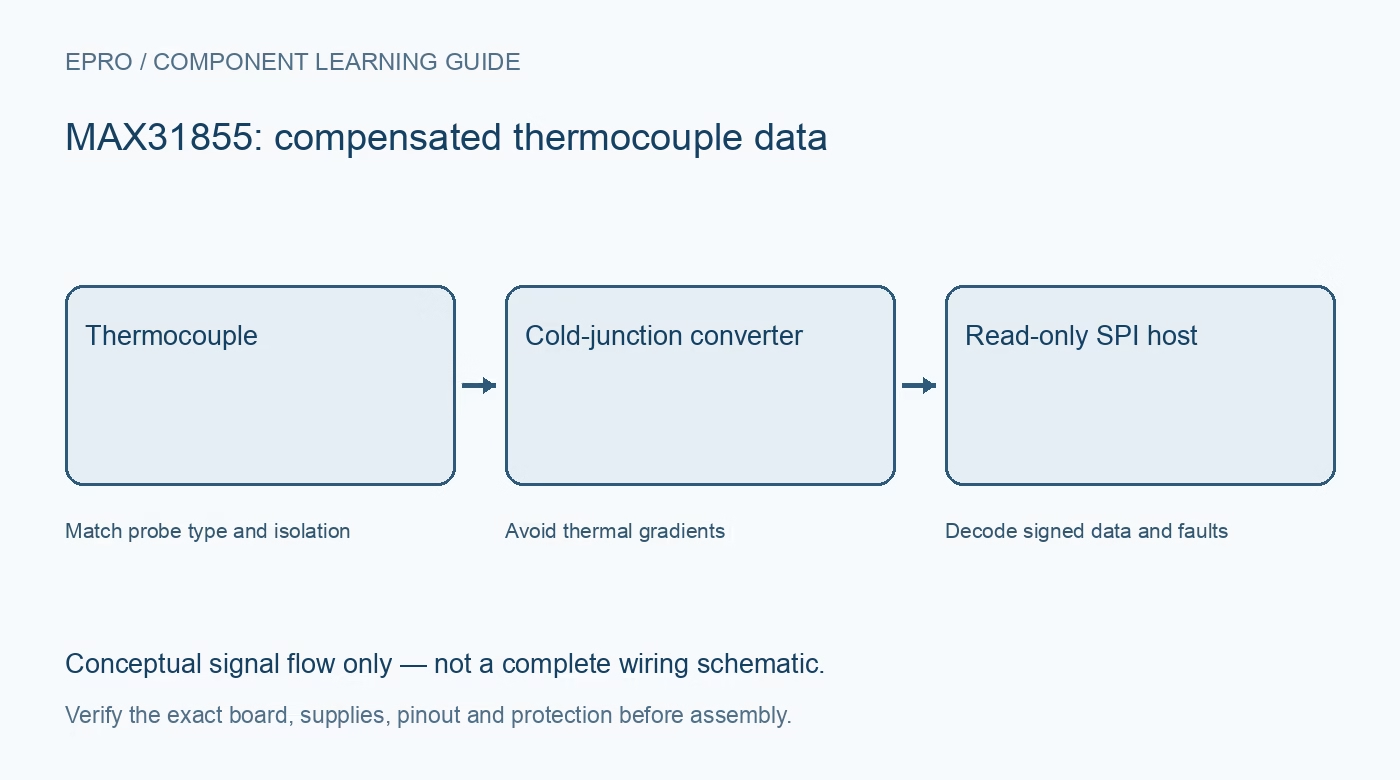
A MAX31855 Arduino workflow should read fault information as carefully as temperature. Use one identified converter variant and matching thermocouple, then verify the full read frame before trusting a plausible-looking number on a serial monitor.
Inspect the module and thermocouple connection
Check the carrier supply, logic compatibility and terminal polarity with power disconnected. Identify the correct thermocouple type and avoid an input grounded through other equipment. The datasheet states that T- must not be connected to ground. Do not reinterpret that requirement as an optional software setting.
Connect the read-only serial interface
Map chip select, serial clock and sensor serial output to compatible host pins. The converter does not require a MOSI data input for its read-only result frame. A generic SPI example for another device can use the wrong timing or frame length, so use a driver intended for MAX31855.
Allow startup and complete conversions
The specified power-up conversion allowance is 200 ms after the supply is valid. Subsequent conversion time is up to 100 ms. Reading the output much faster does not force faster sensor conversions; repeated frames may represent the same measurement rather than independent samples.
Decode the complete 32-bit frame
The thermocouple value occupies bits 31 through 18 as a signed 14-bit quantity with 0.25°C scaling. The internal reference-junction value occupies bits 15 through 4 as signed 12-bit data with 0.0625°C scaling. Correct sign extension matters below zero; treating these fields as unsigned can produce a very large positive result.
Reject flagged measurements before averaging
Bit 16 summarizes a thermocouple fault. The low bits distinguish short to supply, short to ground and open circuit. Preserve this information in the log. Do not average an invalid full-scale pattern into otherwise valid temperatures or clear an alarm simply because the formatted result seems reasonable.
Keep thermal context and freshness visible
Print probe temperature, reference-junction temperature, fault status and the timestamp of a successful sample. Large or changing differences caused by board heating can reveal placement problems. A cached value should remain explicitly stale if communication or sensor validity is lost.
Newest in the store


Test the application without dangerous heat
At room temperature, a connected probe provides a useful baseline. An intentional open-probe test can demonstrate the reported fault state; power down before changing wiring. Restore the documented connection and confirm recovery. This is not an independent calibration or proof that a controller is safe for unattended heating.
Frequently asked questions
Why does a below-zero value become a huge positive number?
Inspect signed-field extraction and sign extension before applying scaling.
Can I use this first test to control a heater immediately?
No. Validate the measurement and failure behaviour independently first; a learning sketch is not a safety-rated thermal controller.
Availability and illustration note
No matching Epro product was returned by the catalog search on 19 October 2026. This learning guide does not assert stock, a selling price or compatibility of an unidentified substitute. The illustration is an original conceptual signal-flow diagram, not a product photograph or complete wiring schematic.
Related Epro reading
For a first bench setup, review breadboard connections and continuity checks and I2C voltage-level translation. These guides do not replace the exact module schematic.
Technical references and limitations
Source: Analog Devices MAX31855 datasheet. Electrical limits apply to the named part, not automatically to every carrier board. This is a documentation-based learning workflow, not a claim of independent hardware testing, traceable calibration or safety certification.