


MCP3424 Arduino: 7 Ready-Bit and Signed-Data Checks

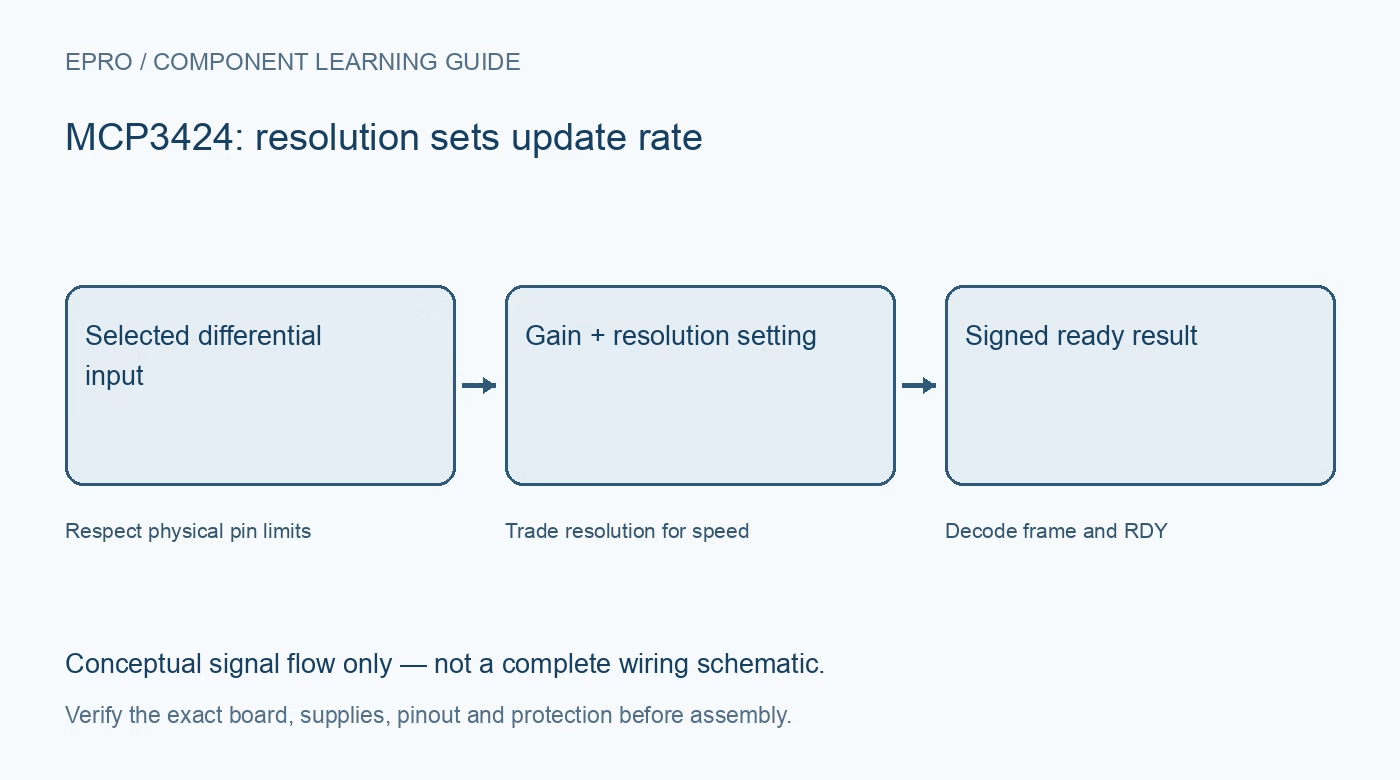
An MCP3424 Arduino integration needs more than a successful I2C scan. The data length changes with resolution, and a transfer can succeed while the observation is still old. Start with one protected differential input and prove readiness, sign and scale before scanning additional channels.
Verify address and electrical levels
Check the carrier address straps, supply and pull-up rail before connecting the host. Use a scan only to confirm a response at the intended address, not as proof of chip identity or fresh data. Preserve the exact board configuration in your setup notes for later troubleshooting.
Write a complete intended configuration
Choose channel, one-shot or continuous mode, resolution and PGA gain together. Read back the relevant configuration bits and retain them with the conversion. Do not combine a raw reading from one gain setting with the conversion factor from another or label it as a different input channel.
Use the correct transfer length
Eighteen-bit mode supplies three data bytes followed by a configuration byte. Twelve-, fourteen- and sixteen-bit modes use two data bytes followed by configuration. The extra upper bits are sign extension, not additional measurement resolution. A fixed-length parser copied from another setting can misidentify status as data.
Respect the meaning of RDY
The ready bit is zero when new conversion data is ready and one while the requested result is not ready. In one-shot mode, the documented write sequence starts a conversion by setting RDY. Poll with a timeout appropriate to the selected rate instead of assuming a short fixed delay always suffices.
Avoid stale-data and new-status mixtures
During continuous reads, readiness can change as a conversion completes. Follow the documented transaction behavior, and perform a new read for the latest data when necessary. Do not combine older data bytes and a later ready flag as though they unambiguously describe the same newly completed sample.
Decode signed resolution before scaling
Extract the selected number of two’s-complement bits and sign-extend correctly. At eighteen bits and unity gain the ideal step is 15.625 microvolts, divided by PGA gain for other gain settings. Check whether a library already returns signed counts or volts before applying an additional shift or scale.
Newest in the store


Prove channel freshness and fault recovery
Use distinct safe test voltages to confirm that channel changes produce correctly labeled completed conversions. Treat a timeout or incomplete transfer as unavailable, not a valid zero. Restore an intentionally wrong software address and check recovery. Report sample age and configuration without presenting the exercise as calibrated instrumentation.
Frequently asked questions
Why do eighteen-bit results look badly shifted?
Check the three-data-byte frame, sign-extension bits and driver output type before adjusting any calibration value.
Can I poll faster to increase the conversion rate?
No. Polling frequency does not change the configured converter resolution or conversion timing.
Availability and illustration note
No matching Epro product was returned by the catalog search on 21 October 2026 UTC. This learning guide does not assert stock, a selling price or compatibility of an unidentified substitute. The illustration is an original conceptual signal-flow diagram, not a product photograph or complete wiring schematic.
Related Epro reading
For a first bench setup, review breadboard connections and continuity checks and I2C voltage-level translation. These guides do not replace the exact module schematic.
Technical references and limitations
Source: Microchip MCP3422/3423/3424 datasheet. Electrical limits apply to the named part, not automatically to every carrier board. This is a documentation-based learning workflow, not a claim of independent hardware testing, traceable calibration or safety certification.