


ST7735 Pinout: Why Display Size and Header Labels Are Not Enough

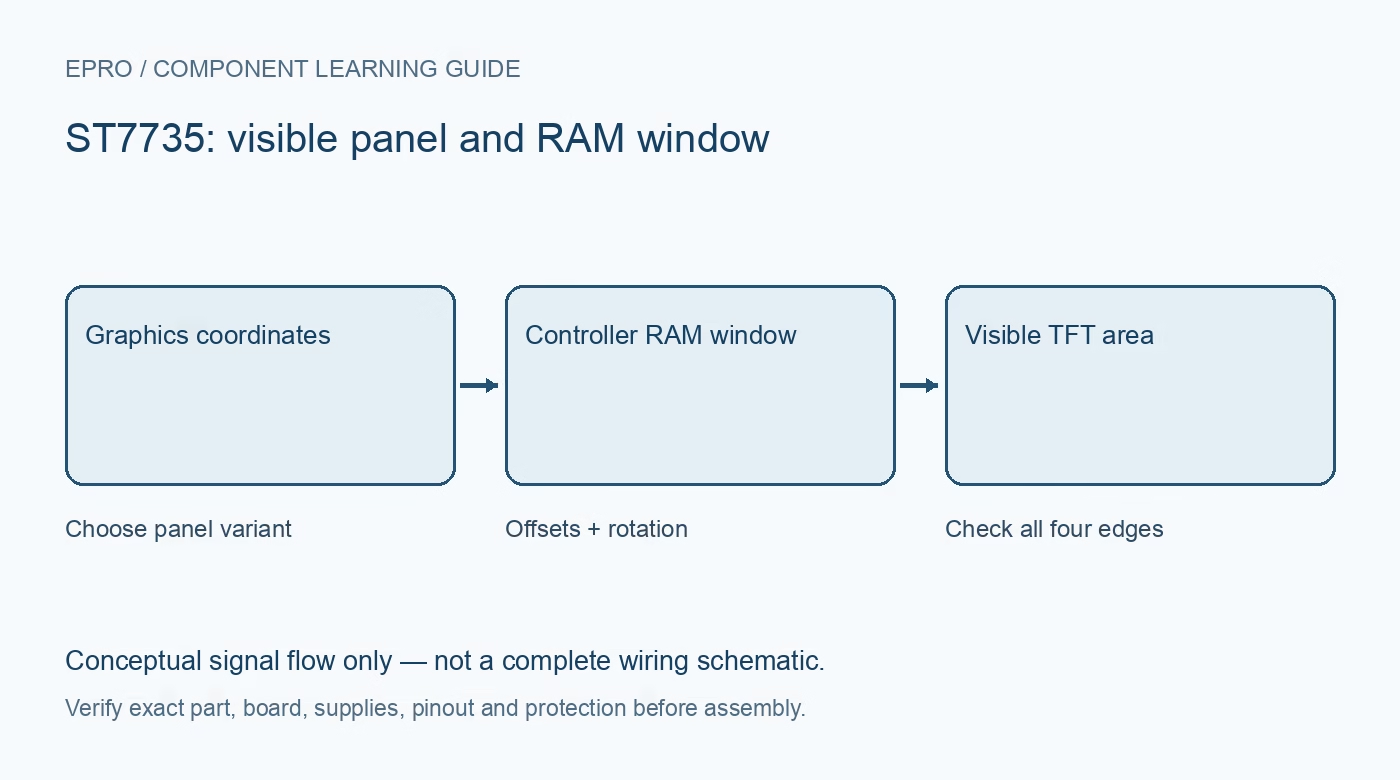
An ST7735 pinout must be taken from the actual carrier and panel variant, not from screen size alone. Controllers, visible display areas, offsets and interface wiring can differ across superficially similar small TFT products. Establish those details before selecting a library initialization profile.
Record controller and panel identity
Check whether documentation identifies ST7735R, another ST7735 variant or a different controller entirely. Note the visible pixel dimensions, board revision and connector. The referenced ST7735R datasheet describes internal display RAM larger than some common visible panels, so internal memory dimensions are not automatically the image dimensions exposed by the module.
Distinguish SPI from parallel connections
The controller supports several interfaces, but a carrier normally selects one. Identify the board’s actual clock, data, chip-select, data/command and reset signals where SPI is fitted. Abbreviations printed on a PCB are not enough to identify I2C versus SPI. A bare flex connector cannot be treated as a ready-to-use microcontroller breakout.
Check voltage at the signal interface
Use the exact module’s documented supply input and logic limits. A board regulator can support a higher supply while leaving signal pins low-voltage only. Do not send 5 V logic directly to a low-voltage display unless the carrier explicitly provides suitable translation. Also identify whether any data-return signal is available and safe for the host.
Identify the backlight circuit independently
The backlight may require a current-limited connection or may be controlled through a board transistor. Confirm the BL/LED pin’s role before wiring or PWM control. Never assume a GPIO can power it directly. Backlight illumination is independent of correct controller reset, sleep-out sequencing, address windows and pixel transfers.
Obtain the matching initialization profile
Library labels such as coloured tabs are conventions for specific panel products, not a universal hardware standard. Match the driver configuration to the documented controller, visible area, colour order and offsets. Do not keep changing supply voltage to repair an image shifted by a wrong panel profile.
Keep a reproducible module record
Save the product documentation, photograph of labels, pin mapping and library settings. Test a border and colour bars before building the final interface. When replacing a module later, repeat these checks rather than assuming an identical diagonal size guarantees the same wiring and initialization.Newest in the store


Availability and illustration note
No matching product was found in the checked Epro catalog for this topic on 19 October 2026. This article therefore does not quote an Epro price or claim stock. The original illustration shows conceptual signal flow only, not a complete circuit or a photograph of a supplied product. Obtain a documented component or carrier with a known pinout and electrical specification.
Frequently asked questions
Does a 1.8-inch label identify one universal pinout?
No. Screen diagonal does not establish the carrier wiring, controller variant or electrical limits.
Does a coloured-tab library label apply to every seller board?
No. Match the documented panel profile rather than treating the convention as universal.
Related Epro reading
Review breadboard connections before assembling a prototype. For controller expansion, the Mega 2560 pin guide explains why pin names and electrical limits must be checked together.
Technical references and test limitations
This guide uses the documentation linked below. The procedures are for a controlled, low-voltage learning setup; no independent hands-on test of the particular seller board is claimed. Record the actual part markings, wiring and firmware version before drawing conclusions from a test.