


TLV9002 Arduino: 7 Feedback and Settling Checks

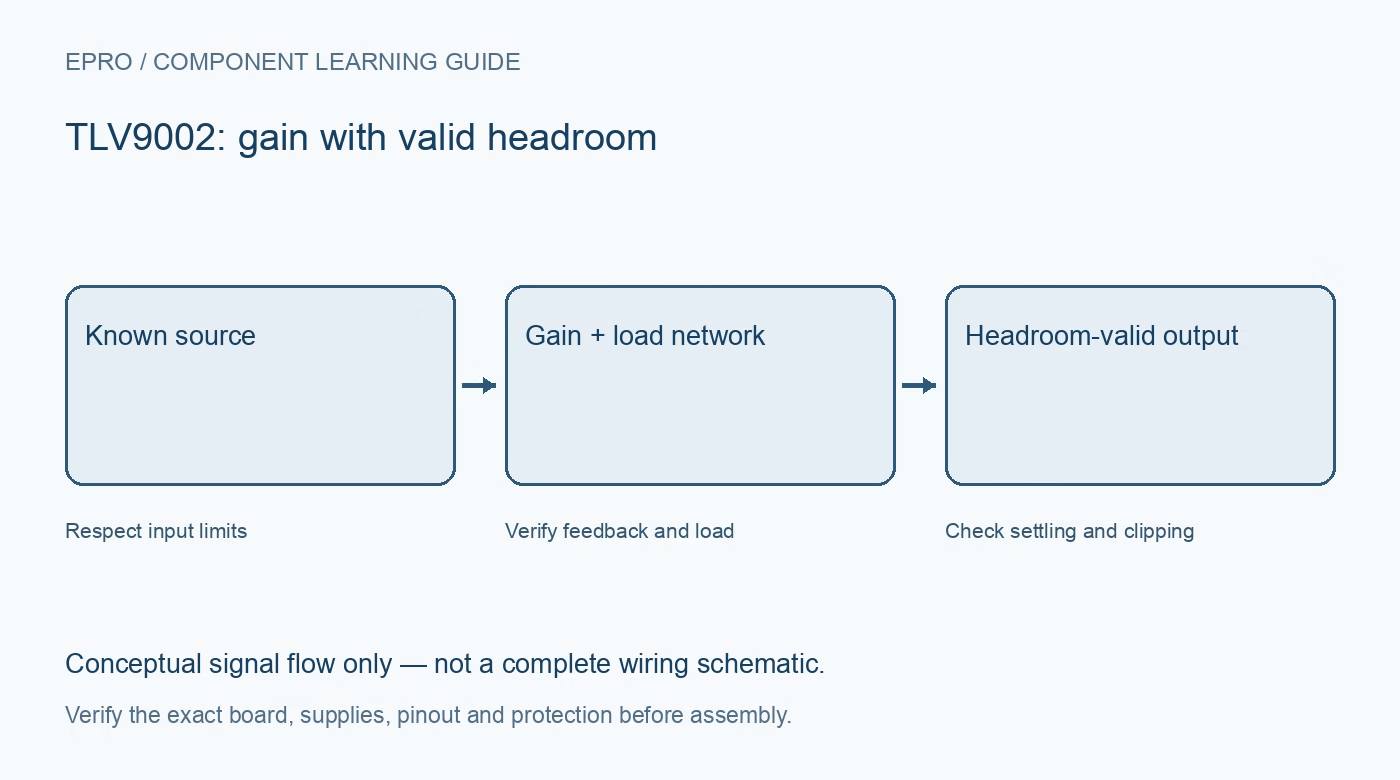
A TLV9002 Arduino test should first prove a simple analog transfer using a known source. Keep the measured voltage separate from the host’s displayed calculation, and introduce real sensors or larger gain only after feedback, headroom and load behaviour are understood.
Confirm pins, supply and host limits
Use the actual package drawing to identify both channels and supply connections. Add suitable local decoupling and a common signal reference. Ensure the intended output cannot exceed the host input limits; an op amp powered at 5 V does not automatically protect a 3.3 V ADC.
Verify the feedback connection unpowered
For a first non-inverting buffer, return output to the negative input and apply the test signal to the positive input. Check the exact channel’s pins instead of relying on a generic dual-op-amp sketch. A wrong feedback connection can drive saturation even with a valid supply.
Test a comfortable mid-range voltage
Use a stable low-voltage source and a light measurement load. Compare input and output independently of the host ADC. Leave headroom from both rails while establishing basic operation, then assess the required endpoint behaviour under the actual load rather than demanding ideal zero-rail error.
Record raw ADC data and reference
Log raw count, configured reference and calculated voltage separately. Verify that the host is reading the intended pin with the correct scaling. A plausible voltage printed from the wrong reference setting is not evidence that the analog amplifier is accurate.
Check loading before adding a filter
Account for ADC sample capacitance, resistor networks and any long leads. Follow TI’s guidance for the actual capacitive load and feedback topology. A quiet-looking averaged display can hide ringing, clipping or slow settling; use appropriate measurement when transient performance is important.
Validate any gain network explicitly
If gain is added, calculate the expected output range and noise gain, then check headroom and bandwidth again. Resistor tolerance and source offset are part of the result. Do not use a software multiplier to conceal an amplifier that has already clipped at its output.
Newest in the store


Define unused and restart behaviour
Give the unused channel a stable documented configuration and keep outputs away from power loads. Check a controlled restart with a safe source and power down before rewiring. These observations demonstrate signal-path function, not precision calibration or certified fault protection for another device.
Frequently asked questions
Why does averaging not cure clipping?
Clipping has already removed analog information; correct the gain and headroom before filtering the digital result.
Should the unused amplifier inputs float?
No. Use a stable configuration recommended for an unused channel.
Availability and illustration note
No matching Epro product was returned by the catalog search on 21 October 2026 UTC. This learning guide does not assert stock, a selling price or compatibility of an unidentified substitute. The illustration is an original conceptual signal-flow diagram, not a product photograph or complete wiring schematic.
Related Epro reading
For a first bench setup, review breadboard connections and continuity checks and I2C voltage-level translation. These guides do not replace the exact module schematic.
Technical references and limitations
Source: Texas Instruments TLV900x operational amplifier datasheet. Electrical limits apply to the named part, not automatically to every carrier board. This is a documentation-based learning workflow, not a claim of independent hardware testing, traceable calibration or safety certification.